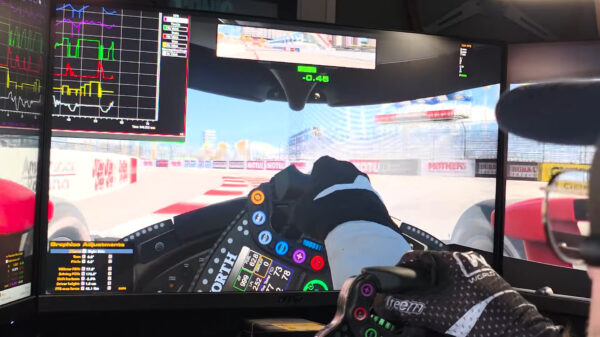


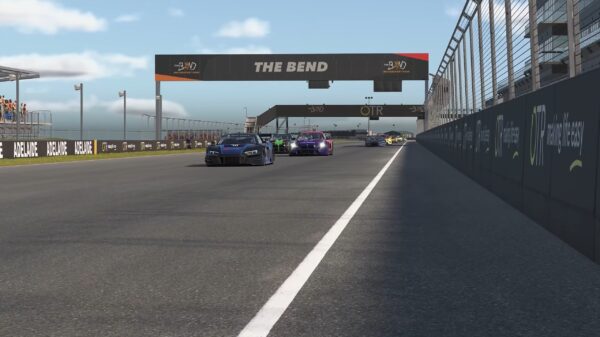



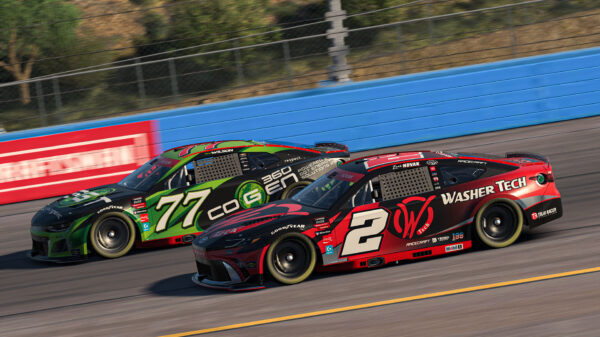
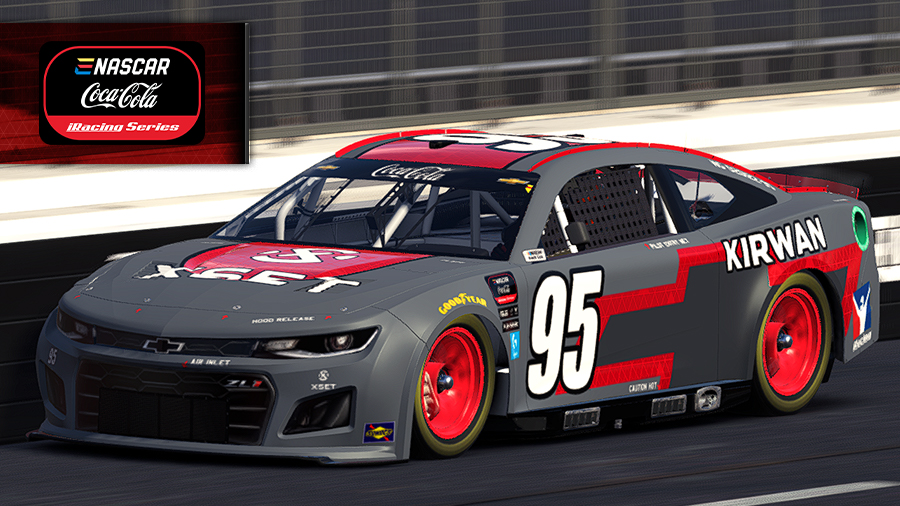

iRacing has launched one of its most significant updates in years: a complete redesign of its in-sim user interface (UI). The “Sim UI” has been rebuilt from the ground up on modern technology, aiming to deliver a fresh look, better functionality, and a foundation for future innovations. While iRacers are still getting used to it, the overhaul promises to change how drivers interact with the sim both during races and in settings menus.
Key Features and Improvements
Modernized HUD and Black Boxes
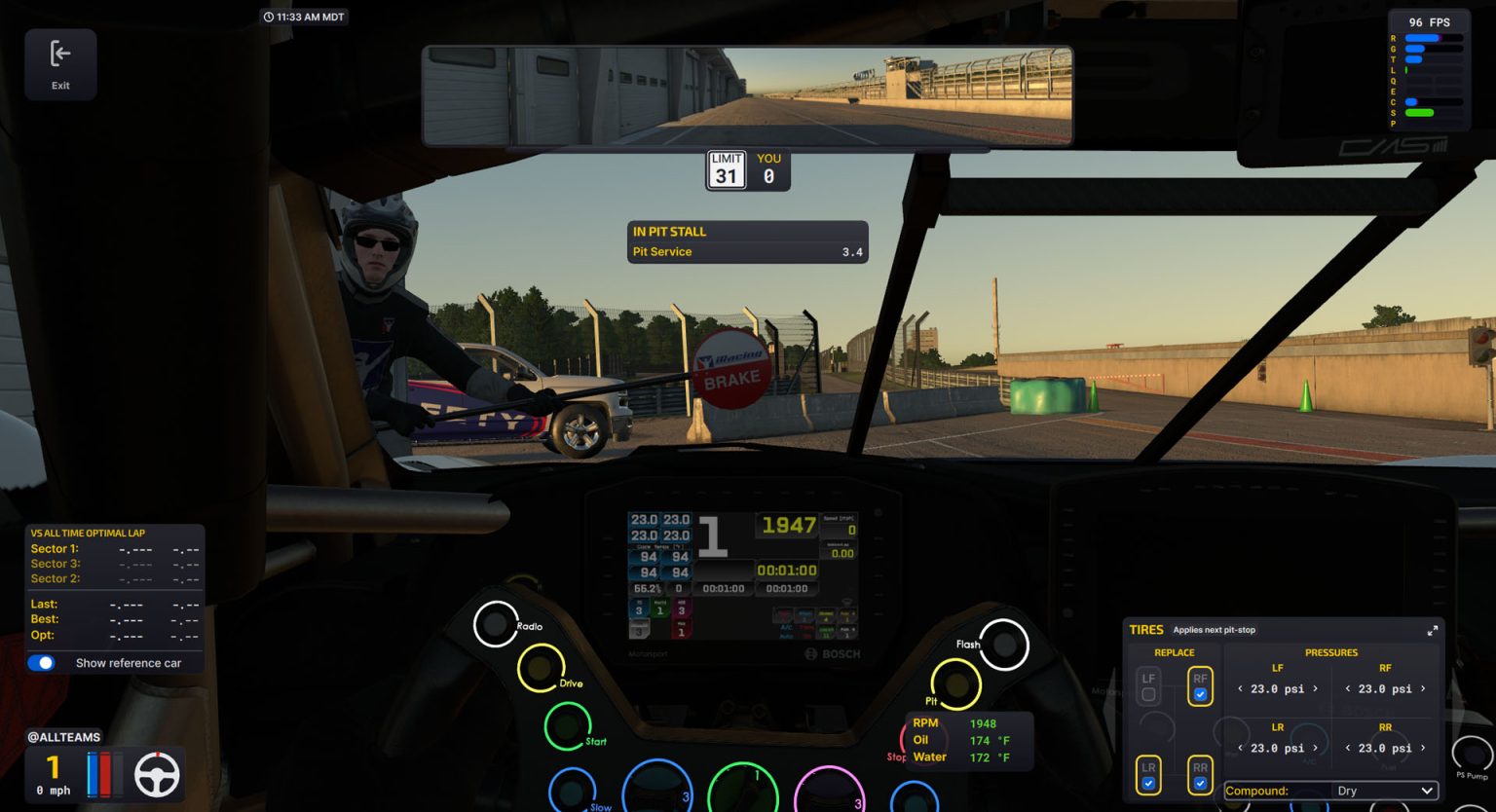
The on-screen black boxes now have minimized and expanded states. Expanded versions of the Relative and Standings boxes show more detailed timing and positional data.
Reorganized Options Menu
The Options panel has been redesigned for clarity. Graphics settings are now unified, a clickable table of contents helps with navigation, and each setting includes a written explanation.
Movable and Scalable UI Elements
By pressing Alt+K, racers can enter layout edit mode. All HUD elements become visible and can be moved, resized, or adjusted for opacity. A reset button quickly restores defaults.
Virtual Mirror Controls
Drivers can now resize the virtual mirror directly via a drop-down menu, improving visibility for different monitor and VR setups.
Real-World Clock
A local time clock can now be displayed as a widget on the HUD, or accessed via the F1 menu — especially handy for long practice or endurance races.
Camera Tool Redesign
The camera editor is easier to access with a new button in the session screen, alongside a more logical tool layout.
Tooltips Everywhere
Hovering over settings or buttons now shows helpful tooltips, making the interface more approachable.
Polish and Flexibility
Scaling, opacity, and widget toggling add a new level of customization. The visual design is cleaner and more consistent, with a clear path for future features such as color themes, telemetry dashboards, and enhanced post-race stats.
The September 2025 Sim UI release represents more than just a cosmetic update — it’s a complete rethinking of how drivers interact with iRacing. By modernizing the architecture and refreshing the design, iRacing has positioned itself to deliver new features faster and make the experience more accessible. While it isn’t without growing pains, the groundwork is set for a UI system that can evolve along with the sim itself.