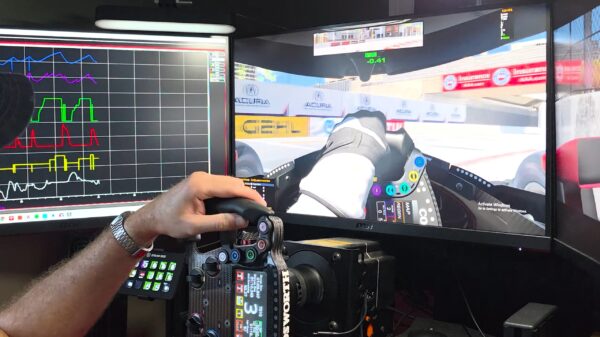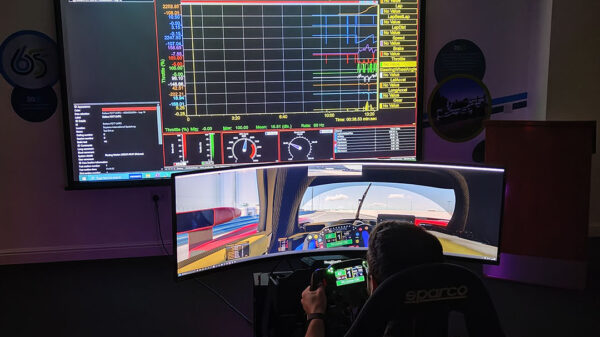

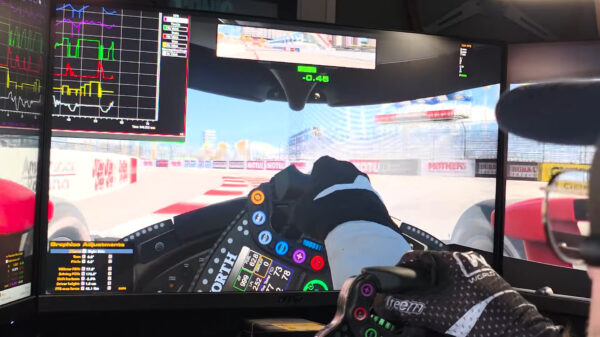























































If you’re new to Cosworth Pi Toolbox or just looking to sharpen your skills, Cosworth has put together a full set of official tutorial videos to help you get up to speed. From installation basics to navigating laps and using the iRacing Lite Template, these step-by-step guides cover everything you need to start making the most of your data.
1. Pi Toolbox – Install & Get Going
Get started with Pi Toolbox in just a few minutes. This tutorial walks through downloading, installing, and firing up the software so you’re ready to dive into data. Whether you’re brand new or need a refresher, it’s the perfect first step.
2. Pi Toolbox – Install & Get Going (duplicate)
Same as above — you could either skip the duplicate or keep it if they posted a slightly different version.
3. Pi Toolbox – Displays & Worksheets
Learn how to build worksheets and set up your displays for clear, customized data views. This tutorial shows how to bring your telemetry to life and make analysis faster and more intuitive.
4. Pi Toolbox – Tasks & Outings
Keep your sessions organized with Tasks and Outings. This video shows how to create, manage, and structure your data so you can track everything from a single run to an entire season.
5. Pi Toolbox – Channels & Displays
Take control of your data by managing channels and customizing displays. This tutorial is great for fine-tuning your analysis setup so you see exactly what matters most on track.
6. Pi Toolbox – Lap & Data Navigation
Dig into your performance lap by lap. Learn how to quickly navigate, compare sessions, and spot gains using Pi Toolbox’s lap and data navigation tools.
7. Pi Toolbox – iRacing Lite Template
Jump right in with the pre-built iRacing Lite Template. This guide shows how to load the template, use its key features, and start analyzing laps instantly without extra setup.
Whether you’re a weekend sim racer or working trackside, Pi Toolbox gives you the tools to dig deeper into performance and find speed where it counts. These videos are a great way to build confidence with the software and discover features you may have missed. Check them out, try the tips in your own sessions, and keep pushing your data analysis to the next level.