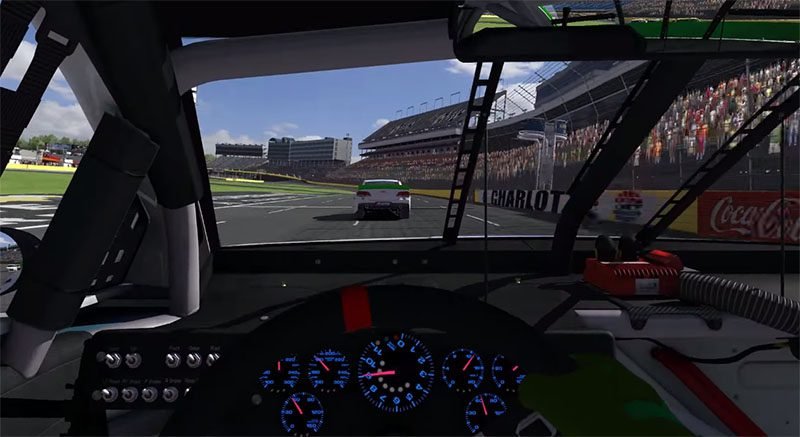
Major iRacing HUD upgrades arrive with the Season 2 build on March 10. Also, these changes touch nearly every part of how information appears on screen during a session. Also, new features include a layout profile system, a throttle and brake timeline, a visual spotter for single-monitor users, and several new data widgets. These are not cosmetic tweaks. They change how drivers interact with the sim.
Also See
➡ iRacing’s February 2026 Development Update: Everything Announced
➡ iRacing’s GTE and TCR Classes Are Getting a Major Physics Overhaul in Season 2
HUD Layout Profiles: Save, Name, and Share Your Setup
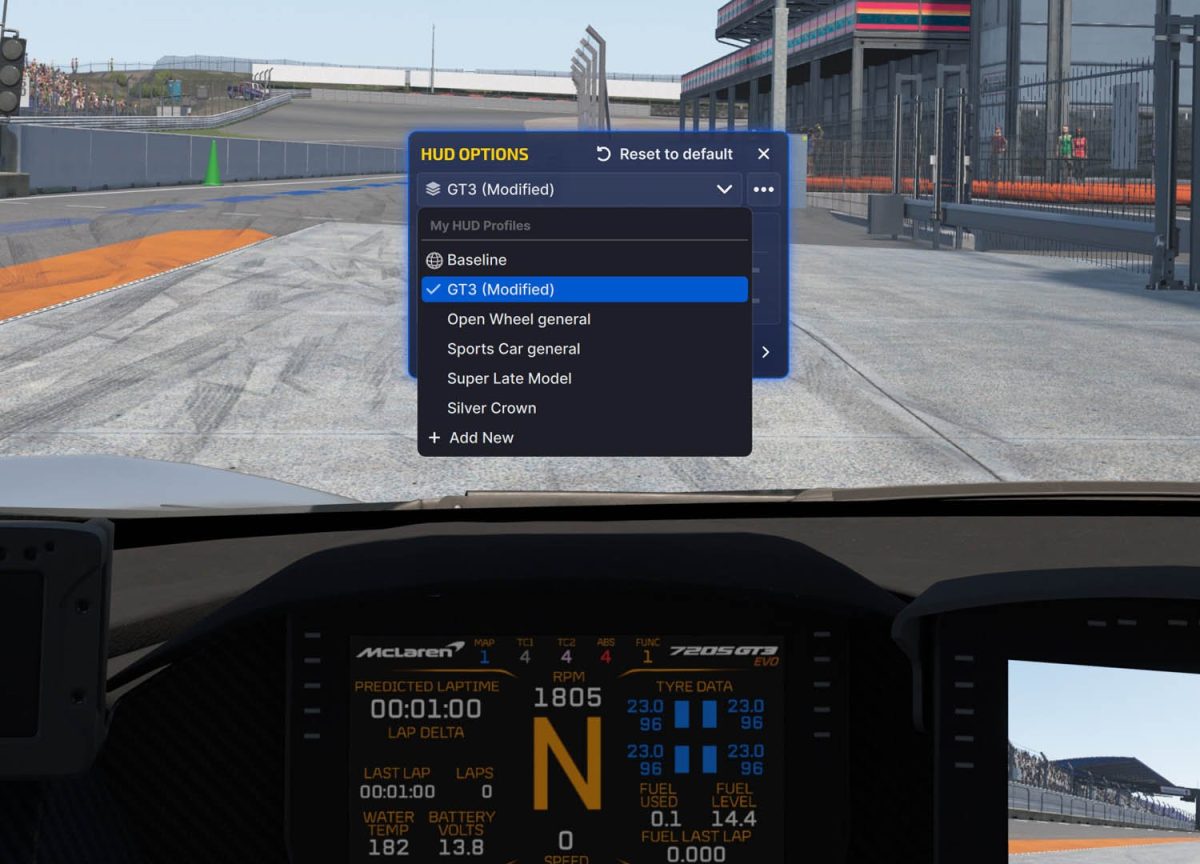
HUD Layout Profiles lead the list of iRacing HUD upgrades. Additionally, for the first time, members can save their current HUD layout as a named profile. Indeed, you can assign profiles to specific cars or use them globally. All profiles live in Documents/iRacing/profiles/hud and are shareable between drivers.
Members who run different car types will feel this change immediately. Furthermore, a road racing HUD needs different widgets than an oval setup. In fact, until now, switching between them meant manually rearranging everything. Profiles eliminate that friction. Save once, switch instantly.
Sharing profiles adds a social dimension to HUD customization. Moreover, content creators, coaches, and experienced members can now distribute their refined setups as files. Also, new members can skip hours of trial and error by importing a proven layout.
iRacing HUD Upgrades: Visual Spotter: On-Screen Position Awareness for Single-Monitor Users
A new Visual Spotter helps single-monitor users track nearby cars on screen. It uses the same positional data that powers the audio and text spotters. Also, unlike the radar, it shows spatial proximity without needing a second display. This is a significant addition for drivers who race on one monitor.
This distinction matters. Several third-party overlays already offer radar for iRacing. Also, some members use them as a shortcut for awareness. But the Visual Spotter works differently. It focuses on spatial proximity information rather than a minimap view.
iRacing HUD Upgrades: Throttle and Brake Timeline
Season 2 adds a Throttle and Brake Timeline toggle to the Driver Inputs Widget. When enabled, it shows pedal input history as a scrolling graph. This displays alongside the existing real-time pedal bars. You can see your braking and throttle patterns over time without external telemetry.
Drivers who use the Inputs Widget for coaching will appreciate the Timeline. The standard display shows what is happening right now. The Timeline adds context by showing what happened over the last several seconds. You can spot braking inconsistencies and throttle hesitations at a glance.
Session Info Widget and Session Rules Widget
Two new widgets join the iRacing HUD upgrades in Season 2. The Session Info widget puts general session data on screen. Previously, finding this information required navigating menus or checking the results page mid-session.
Session Rules solves a recurring problem in endurance and team racing. Swap requirements, minimum stint lengths, and tire rules vary by series. Drivers often miss these details during long events. This widget surfaces the rules directly in the HUD so you never have to guess.
A Broader Shift in How iRacing Handles the In-Session UI
iRacing also moved the Reference Car Offset tool into the UI. This feature places a ghost car a specific time gap ahead of you. It used to require editing buried config files. Now you can set it up directly from the in-sim interface.
None of these iRacing HUD upgrades require additional purchases. They ship with the Season 2 build on March 10 for all members. See the full iRacing development update for the complete list of changes.