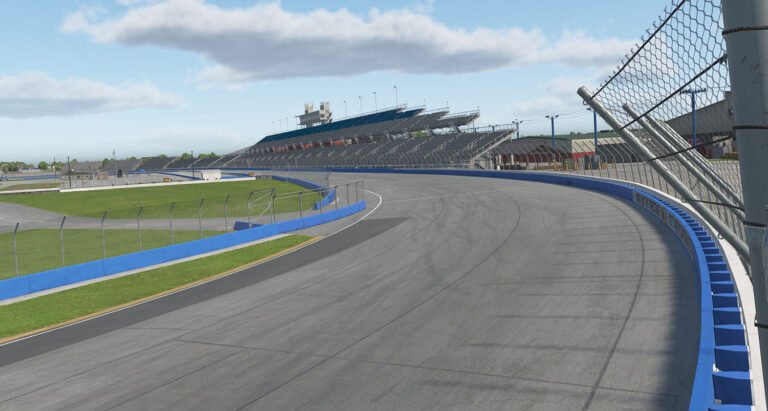
iRacing AI racing mode lets you race against computer-controlled opponents without entering an online session. For new members learning the sim, it removes the pressure of racing against other people before you are ready. For experienced drivers, it provides a way to practice a new car or circuit combination without the risk of affecting your safety rating or iRating in a live session.
Also See
➡️ iRacing 101
🎮 iRacing AI Racing Official Page
iRacing added AI racing to the service in 2021, and it has developed steadily since then. The AI opponents are not the same as human racers. They behave differently at the limit and in certain racing situations. However, as a training tool and an alternative to solo hot laps, the mode is genuinely useful and significantly underused by many members of the community.
How to Set Up an AI Race
AI races are launched from the Race menu in the iRacing UI. Select “AI Racing” from the available options. From there, you choose your car, the track, race length, weather settings, and the number of AI opponents to include. You can also set a car number for your AI drivers and choose from a pool of available AI cars. Not every car in the service has AI support, though the list has expanded considerably since launch.
One of the most practically useful settings is the AI skill level, which runs from 1 to 100. A skill level of 50 to 60 is a reasonable starting point for most intermediate drivers. At 80 and above, the AI represents a genuinely challenging reference point, particularly on circuits where the AI has been trained extensively. At 100, many drivers find the AI is difficult to match in outright pace on most tracks.
What the AI Does Well
The iRacing AI is particularly good at maintaining consistent lap times and following racing lines accurately. This makes it a useful reference for line and braking point comparison. If you notice the AI is consistently pulling away in a specific sector, that is useful diagnostic data about where your own technique is losing time.
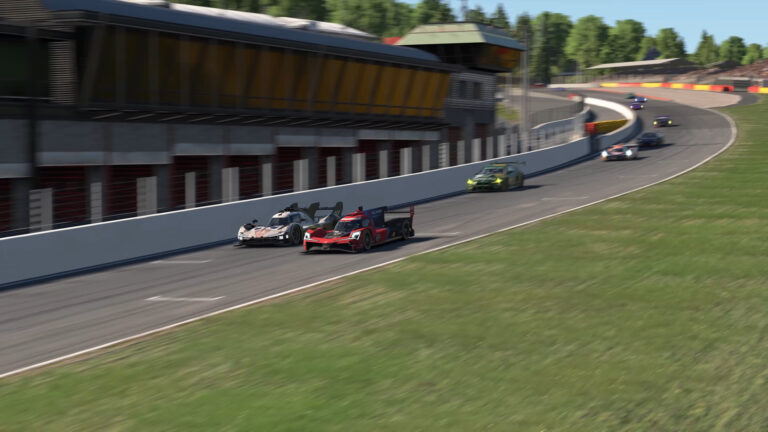
The AI also handles multi-car situations without the erratic behaviour that sometimes characterises lower-iRating online fields. In a full AI grid, the first lap is generally cleaner than an equivalent online race at the same pace level. Because of this, AI races are a good environment for practicing wheel-to-wheel positioning and overtaking without the risk of running into drivers who react unpredictably under pressure.
Where the AI Falls Short
The AI does not replicate human defensive driving well. Human drivers will actively defend positions in ways that require you to time your overtake differently. AI opponents tend to hold their line more predictably, which can create a false sense of how easy a move will be when you attempt the same thing in an online session.
Some circuit and car combinations also have better AI behaviour than others. iRacing’s AI is trained per car per track, so combinations that have received more development attention produce more convincing racing. Less-developed combinations may produce AI that is inconsistent in certain corner sequences or that bunches up in unrealistic ways under yellow flag conditions.
Best Uses for AI Mode
Learning a new track in traffic is one of the strongest use cases. Driving around a new circuit solo tells you where the corners are, but it does not prepare you for managing those corners with cars around you. An AI race at 60 to 70 percent skill puts you in a realistic traffic environment at a pace where you can focus on line and position rather than survival.
Trying a new car before committing to a season purchase is another strong use. AI mode lets you drive any supported car on any supported track. You can assess whether a car suits your driving style, how it behaves in dirty air, and how demanding it is on tyres before spending credits to enter an official series.
Additionally, AI mode is useful when you want to race but the available online sessions do not fit your schedule. Late-night or off-peak periods often have limited online splits in many series. An AI race gives you a quality practice environment at any time without waiting for a session to fill.
Does AI Mode Count Toward Your License or Stats?
AI races do not affect your iRating, Safety Rating, or official license statistics in any way. Results from AI sessions are completely separate from your competitive record. This makes the mode entirely risk-free for experimenting with new cars, tracks, or setups without any consequences for your official standing in the service.
How AI Mode Compares to Time Trial
Many members use time trial sessions to practice without affecting SR or iRating. AI mode serves a different purpose. Time trial gives you a clean environment to learn the circuit and work on lap time consistency without other cars present. AI mode adds simulated traffic, which shifts the focus from outright pace to managing space, adjusting entry speeds with cars around you, and making decisions around slower and faster opponents.
For beginners still learning a new car or track, time trial is typically the better starting point. Once you are comfortable with the circuit and car behaviour at pace, AI mode becomes more useful because it prepares you for the additional complexity of racing around other cars without the SR consequences of official online sessions.
Using both modes deliberately, rather than defaulting to one or the other, gives you more complete preparation for official iRacing. Each mode targets a different skill, and combining them helps identify whether pace or racecraft needs more attention before your next competitive race.
iRacing AI racing mode is a tool that rewards deliberate use. It is not a replacement for online racing, and the competitive experience it offers is different from racing humans in important ways. However, as a low-pressure practice environment, a car evaluation tool, and a training aid for new circuits and traffic situations, it offers genuine value to iRacers at every level.