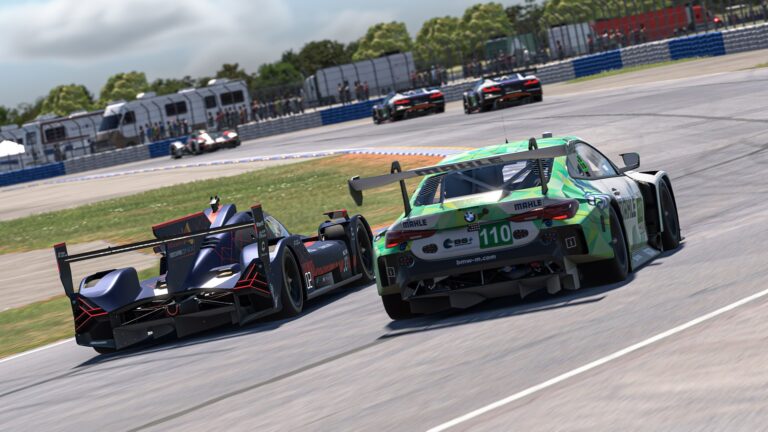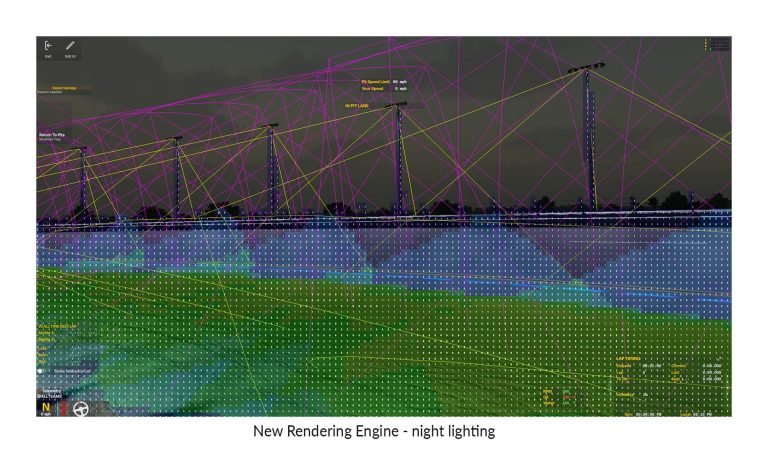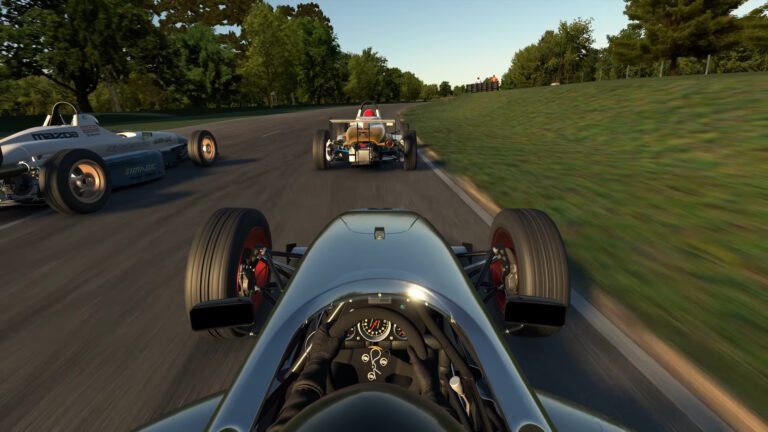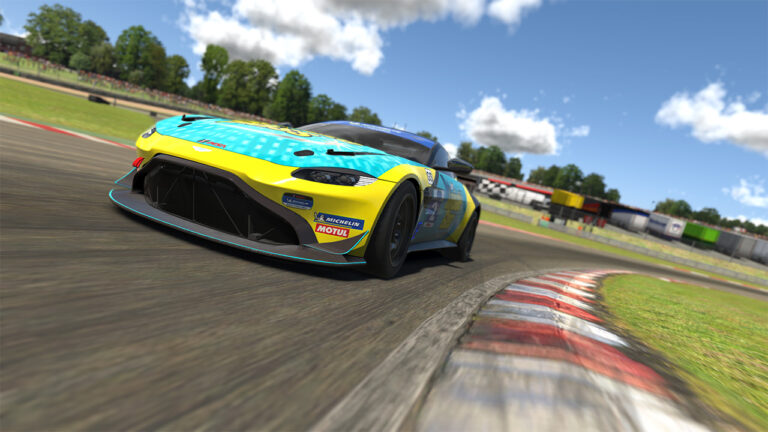
The official iRacing tutorials cover the basics. They don’t cover the things that actually trip up new sim racers once they’re in real sessions. The gap between understanding how to steer, brake, and accelerate and being consistently competitive in a grid of strangers is larger than most people expect, made up of several distinct problems that don’t get talked about enough. Here’s an honest breakdown of what new iRacers actually struggle with and what it takes to get through each one.
Also See
➡️ Your First Month in iRacing: How to Start Strong Without Burning Out
➡️ Is iRacing Too Hard for Casual Racers? Both Sides of the Debate
🏁 Get Started with iRacing Membership
Car Control: The Foundation That Takes Months
The most common frustration for new iRacers isn’t competition. It’s the car. Getting a sim racing car to do what you want consistently, session after session, is harder than it looks. The physical feel that real drivers have from their seat doesn’t translate directly into a sim. You’re reading car behavior through a screen, force feedback, and sound, without the full sensory picture of a real car. Building trust in those signals takes time.
The specific problems new racers report: locking the brakes without feeling it coming, oversteering corrections that become spins, and corner entry speeds that feel right until they’re not. All three are car control problems that resolve through repetition, not tips. The fastest way through this stage is time in practice, ideally in one car on one or two tracks, building pattern recognition for what the car is telling you before you push further.
Brake technique deserves specific mention. In iRacing, proper trail braking (releasing brake pressure gradually as you turn in) is the technique that separates erratic lap times from consistent ones. Most new drivers either trail-brake too aggressively and spin or lift too early and lose time. If you have load-cell pedals, this is where they pay off. If you’re on potentiometer pedals, moderate your braking inputs until you learn the car’s limits.
The Incident System: Why the Penalty Structure Frustrates New Drivers
iRacing’s incident system assigns incident points (x) for contact, track limit violations, and sudden speed drops. Accumulate enough in a race and you get a black flag. Accumulate enough across a season and your safety rating drops, eventually costing you your license. For a new driver learning the car and the tracks simultaneously, this feels relentless.
The key mental shift is understanding that the incident system is teaching you something: where your risk is highest. Incidents cluster at specific moments: braking zones when you’re still learning the car’s limits, corner exits when the throttle goes down too early, and first-lap traffic when the grid is compressed. Tracking where your incidents come from turns the penalty system from a punishment into diagnostic data. Most new iRacers who struggle with safety rating are making the same one or two mistakes repeatedly. Identifying which mistakes they are is the first step to fixing them.
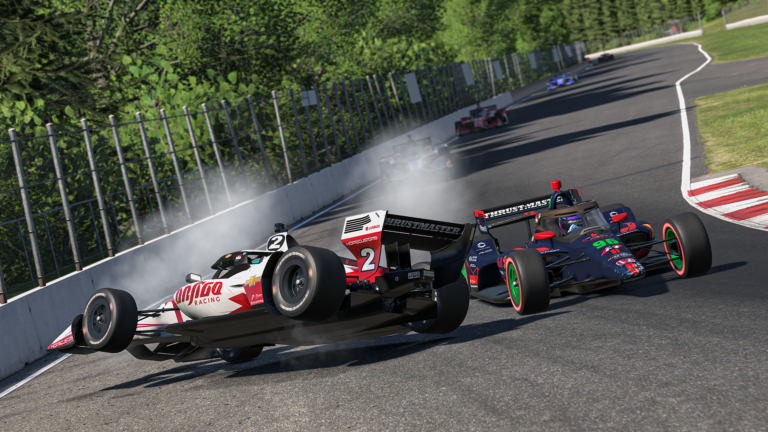
New drivers should also know that the safest thing to do in most contact situations is let the car happen. Sudden corrections, like jerking the wheel or stabbing the brakes, often turn a glancing incident into a spin. If you’re involved in contact, slow down, give the car a second to settle, and rejoin cleanly. The incident is already logged. Making it worse doesn’t help.

License Progression: Playing the Long Game
The license progression system, from Rookie through D, C, B, A, and Pro, is something new drivers often try to move through too quickly. The instinct is to level up as fast as possible to access higher-class series. The reality is that each license tier corresponds to a standard of clean, consistent driving. Rushing past a tier before you’ve actually internalized that standard means you’ll face better and faster drivers before you’re ready, which produces more incidents, not fewer.
The productive approach is to treat each license tier as a curriculum. At Rookie and D-class, the curriculum is clean lap execution and basic traffic management. Master those before chasing C. At C-class, the curriculum adds racecraft: defending, following a race line in traffic, and making clean passes. At B-class, the margin for error gets tighter and field pace increases. Drivers who try to compress this progression by racing aggressively for iRating points often plateau at a license level where they’re grinding incidents rather than improving.
Setups: When to Use Them and When to Ignore Them
Setup discussions dominate iRacing forums, and new drivers often conclude that they need a fast setup to be competitive. For most new iRacers, this is backwards. A car setup adjusts how the car behaves at the limit. If you’re not consistently at the limit, the setup change will do nothing, or it will make things worse by altering behavior you haven’t learned to read yet.
The practical advice most experienced iRacers give: run the default or a simple fixed setup until your lap times are consistent. Consistent means within half a second of your best time for multiple consecutive laps without trying. Once you’re there, small setup adjustments to address a specific handling problem (understeer at corner entry, oversteer at exit) can make a meaningful difference. Before that point, setup work is noise that delays skill development.
Fixed-setup series exist specifically to eliminate setup as a variable. If you want to focus purely on driving without the setup layer, racing fixed series is a legitimate choice at any license level. Many experienced iRacers race fixed series long after they understand setup well enough to run open.
The Mental Game: Consistency Over Speed
The mental side of sim racing is underestimated by almost every new iRacer. Frustration after an incident, like the impulse to chase the car that tagged you or push harder after losing positions, is the fastest route to more incidents. iRacing rewards drivers who reset their mentality mid-race and treat a bad situation as a recovery problem rather than a revenge problem.
Pacing your effort level across a session also matters more than most new drivers realize. In longer races, drivers who run at 95% effort for the full distance usually outperform drivers who run at 100% early and fade or crash. Finding a rhythm that’s quick but manageable, rather than constantly probing your personal limit, produces cleaner laps and more consistent results.
Race reviews are one of the most underused tools in iRacing. The replay system lets you watch your session from any angle, at any speed. If you had a difficult moment in a race (a spin, a contact incident, a lost position under braking) watching it back removes the adrenaline distortion and usually shows you exactly what happened and where the decision went wrong. Drivers who review their sessions improve faster than those who don’t. The feedback is built into the platform; using it is optional, but it’s the shortcut that actually works.
Track Knowledge: The Shortcut That Isn’t a Shortcut
New iRacers often spread themselves across too many tracks too quickly. Each new track requires building familiarity with its braking zones, apex references, and surface characteristics. That process takes sessions, not a single qualifying run. Jumping to a new track every week or two means you’re permanently in the early-learning phase where mistakes are frequent.
The approach that produces faster improvement is depth on a few tracks before breadth across many. Pick one or two tracks that host series you want to race, run enough practice to feel genuinely comfortable, and then race there until the track knowledge becomes automatic. When brake markers and turn-in points stop requiring conscious thought, you free up mental bandwidth for the racecraft and traffic management that actually win races. That’s when iRacing starts to feel like what it is: one of the most rewarding competitive platforms in sim racing.