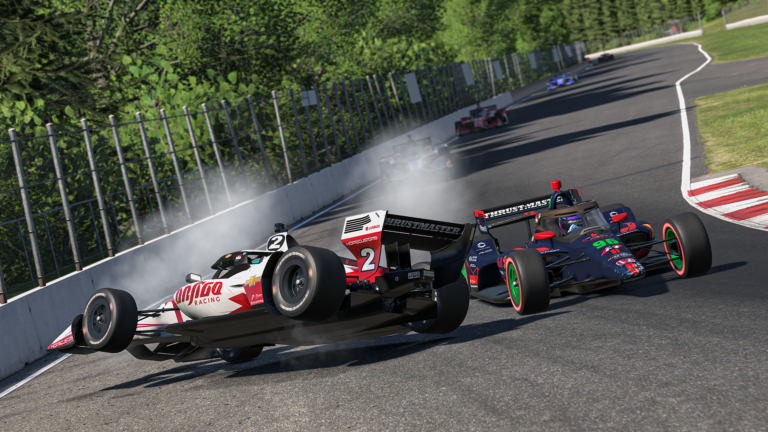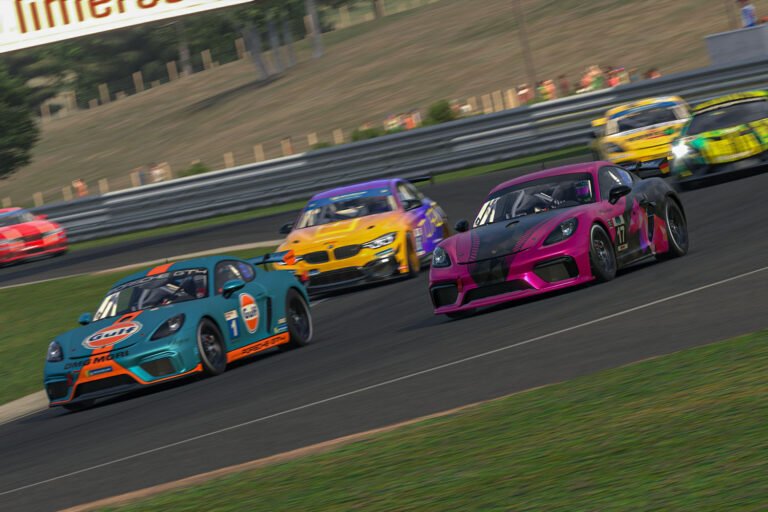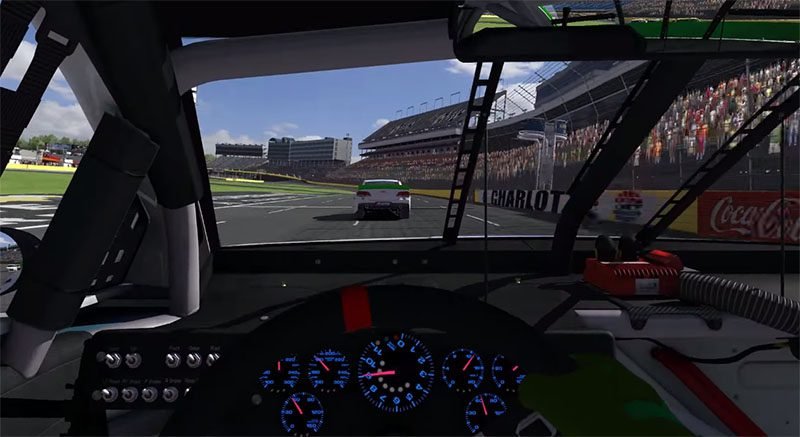
Most sim racers assume that turning the wheel further will make the car rotate faster. That assumption is wrong, and correcting it changes how you approach every corner. iRacing steering input has a hard limit, and past that limit, more angle reduces grip instead of increasing it. Understanding where that limit sits is one of the clearest paths to faster, consistent lap times.
Also See
➡️ Why You Keep Spinning in iRacing
🎮 Understanding Understeer and Oversteer
The good news is that this limit shows up in your cockpit. Force feedback, tire noise, and car behavior all communicate when the fronts stop working. You do not need analysis software to notice it, although telemetry confirms it clearly. Once you can identify the signal, the adjustment is straightforward: use less lock than the corner seems to demand.
Why iRacing Steering Input Builds and Then Breaks Grip
A tire generates lateral force when it points slightly away from its direction of travel. That angle between the wheel and the actual path is called slip angle. As slip angle increases, so does lateral grip, but only up to a peak. After that peak, adding more angle causes the tire to slide across the surface. As a result, grip drops instead of rising.
iRacing simulates this behavior with enough detail that the peak is physically modeled. Therefore, if your front tires are past their optimal slip angle, the simulation faithfully reduces the cornering force they produce. Turning more does nothing useful. In fact, it makes the car push wide.
Consider how this compares to braking. Maximum braking force happens just before lockup. Squeezing past that point destroys grip and increases stopping distance. Steering follows the same logic. There is a sweet spot, and going beyond it always costs time.
Recognizing Front-Tire Scrub in the Cockpit
Scrub has a specific sound in iRacing. A tire working near its limit produces a light, high-pitched squeal. However, a scrubbing tire makes a harsher, lower-pitched growl. The difference is clear once you have heard it deliberately. Practice turning in too aggressively during a test session so you can identify the sound before it appears in a race.
Force feedback is the second signal. When your front tires grip well, the steering wheel has firm, consistent resistance through the corner. However, when scrub begins, that resistance fades. The wheel can feel almost light or dead at the point of maximum scrub. That lightness is a warning. It means the tires have stopped working and are sliding instead.
Some drivers mute tire audio entirely because they find it distracting. However, this removes one of the most useful feedback channels in iRacing. Turning the audio up and paying close attention to tire sound during practice pays dividends in every race session after. The information is there. You just have to choose to use it.
Additionally, look at what the car does. The front end pushes wide even as your hands are turned further in. More steering input is not rotating the car. It is slowing you down. This combination of dead wheel feel, harsh tire noise, and understeer is the clearest sign that you have passed the grip limit.
Understeer and Oversteer Without the Jargon
Understeer means the front tires have lost grip relative to the rear. Because of this, the car resists turning and runs wide. Adding more steering angle does not help. The fronts are already past their limit. Instead, the answer is to reduce angle, let the car stabilize, and carry less speed into the corner next time.
Oversteer means the rear tires have lost grip relative to the front. As a result, the rear of the car steps out. A small counter-steer correction can catch it, but overcorrecting will swap the car end-for-end. This is often how a small slide becomes a full spin. For a deeper look at why spins happen, read this guide on why you keep spinning in iRacing. It explains the recovery mechanics clearly.
The goal in any corner is to stay inside the tire’s working window for as long as possible. A tire that is working is rotating slightly relative to the road surface. It generates heat and grip simultaneously. A tire that is scrubbing has stepped past that window. It generates heat but not useful grip. The distinction matters because tire temperature alone does not mean the car is working.
Neither condition requires large steering inputs to manage. In both cases, smooth and proportional corrections work better than aggressive ones. Sawing the wheel back and forth amplifies instability rather than reducing it. Furthermore, every overcorrection wastes tire energy and delays the car’s return to balance.
How iRacing Steering Input Timing Affects Corner Rotation
The amount of steering you use is only part of the picture. When you apply and release that angle matters just as much. At turn-in, adding too much angle too quickly overloads the front tires before they can respond. Instead, rotate the wheel at a steady, deliberate pace and let the car settle into the corner.
At corner exit, releasing the steering too slowly creates drag as the power comes on. The fronts are still working hard and fighting the acceleration. Additionally, adding throttle while the fronts are still turned in can snap the car toward oversteer. Release the wheel progressively as the car unwinds, matching the straightening of the car.
Trail braking connects directly to this. Carrying brake pressure into the corner loads the front tires and helps them turn the car with less steering angle. Because of this, you need less lock to achieve the same rotation. If you are not yet using trail braking, this article on trail braking and brake bias walks through the technique. Together, these two inputs separate smooth drivers from choppy ones.
Setup Problem or Driving Problem?
Before adjusting the car, check your own inputs first. Telemetry or even careful mental notes will tell you whether the understeer is happening at turn-in, mid-corner, or exit. Each phase points to a different cause. Mid-corner push, for example, often means the driver carried too much speed in, not that the setup is wrong.
Run three laps on the same track in the same car. On the first lap, drive exactly as you normally would. On the second lap, use less peak steering angle at every corner entry. Be more patient and let the car rotate on its own. On the third lap, focus on releasing the wheel half a beat earlier at corner exit.
Pay attention to where the grip is on corner exit. On the second lap, the car should have more traction off the apex because the fronts are not fighting the rear. On the third lap, an earlier release should make the car feel more planted during acceleration. Compare the times and the feel. If laps two or three are cleaner or faster, the problem was your input, not the car.
However, if your times do not improve, the setup may genuinely be limiting you. Stiff front springs, a high front ARB setting, or a soft rear can all cause understeer that driving adjustments cannot fully solve. In that case, working through car control fundamentals with a structured approach helps. This resource on car control for beginners covers that territory in depth for newer drivers.
External resources from experienced sim racing coaches also help clarify the underlying physics. The guides at Driver61’s sim racing section break down weight transfer in practical terms that apply directly to iRacing. Understanding why weight moves when it does helps you predict grip rather than react after it is already gone.
The fastest drivers in iRacing do not steer more. They steer better. Every unnecessary degree of lock is a small tax on grip. Removing those taxes, one corner at a time, is how you close the gap.