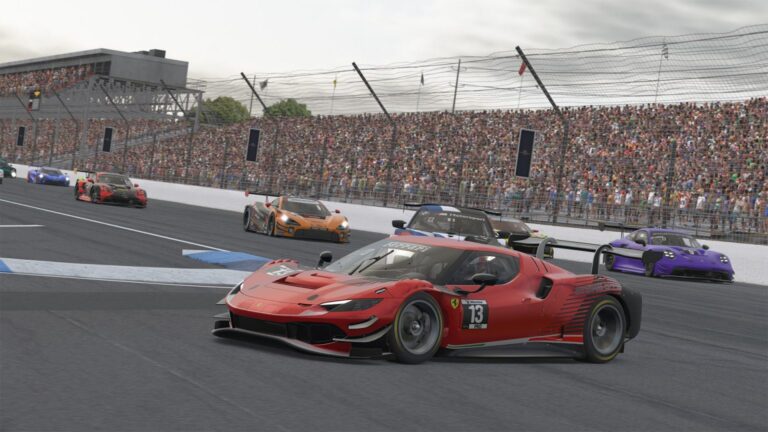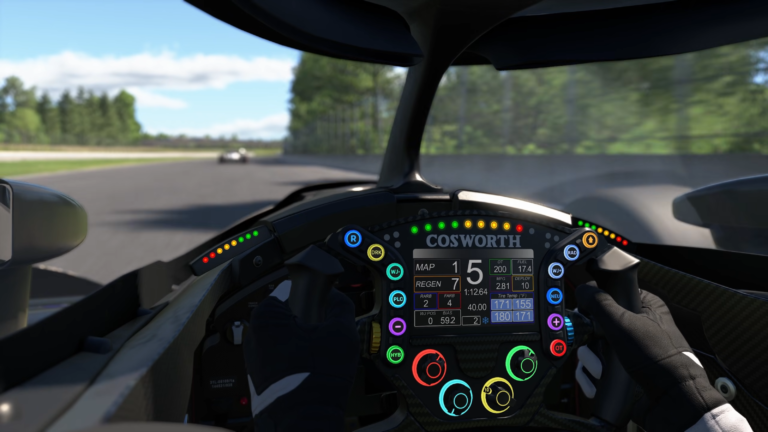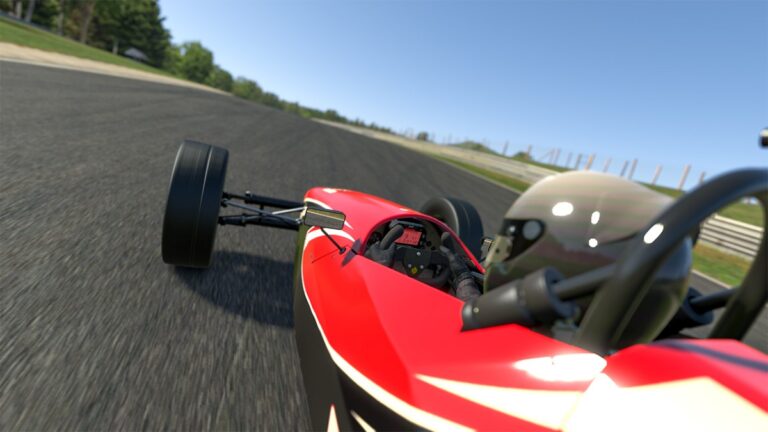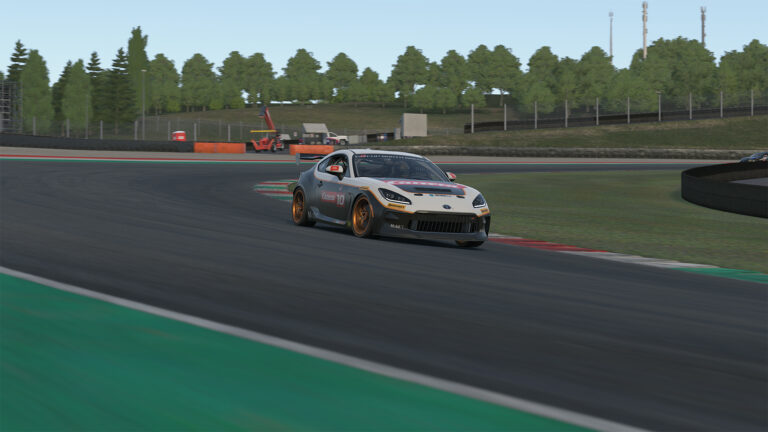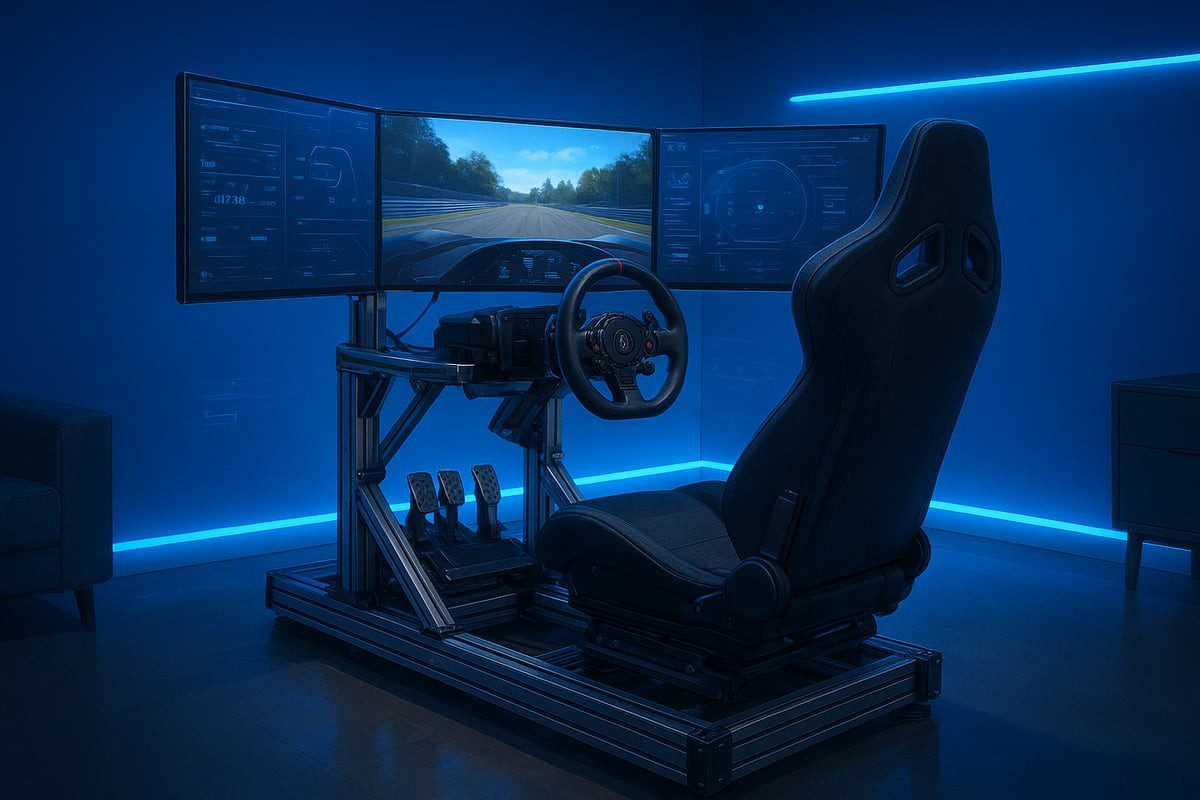
Running iRacing on 1440p triple monitors is one of the most demanding PC configurations in sim racing. Three screens at that resolution push both the CPU and GPU hard at the same time, and iRacing’s physics simulation adds its own layer of requirements that are different from most other games. Getting the hardware balance right is what separates smooth, consistent frame rates from constant troubleshooting.
Also See
➡️ Best Monitors for iRacing in 2026
➡️ Single vs Triple vs Ultrawide Monitors for iRacing
iRacing’s physics simulation runs primarily on a single CPU core. Clock speed matters more than core count. The simulation calculates tyre models, car physics, and damage in real time, and it needs to stay ahead of your frame rate target. A processor that runs fast on its best core will outperform a higher-core-count chip with lower per-core speed in iRacing specifically.
The current community favourites for sim racing centre on Intel’s Core i7-14700K and AMD’s Ryzen 7 9800X3D. The 9800X3D has become particularly popular. Its large L3 cache reduces memory latency in the simulation loop, which shows up as lower and more consistent frame times compared to previous AMD generations. For drivers with a larger budget, the Ryzen 9 9950X3D pushes the performance ceiling further.
GPU for Three Screens at 1440p
Three 1440p displays combine to a total render resolution of 7680×1440. This is a significant workload, and the GPU choice here shifts from simulation performance to raw pixel-pushing throughput. iRacing is not as GPU-intensive as some open-world titles, but three screens at high frame rates at this resolution still requires a capable card.
The Nvidia RTX 4070 Ti Super is the practical starting point for 1440p triple setups. It handles the resolution well at 90 frames per second with medium-high settings. The RTX 4080 and 4090 give more headroom for higher frame rate targets and future-proofing. VRAM matters here. Cards with less than 12GB may encounter limits when running three displays at high texture settings. 16GB and above removes that concern.
For AMD options, the RX 7900 XT and RX 7900 XTX are capable at this resolution. However, the Nvidia driver stack has historically been more consistent in iRacing, so most community hardware recommendations lean toward Nvidia for this specific setup.
RAM and Other Considerations
iRacing runs well with 32GB of DDR5 RAM at 6000MHz. 16GB is the minimum, but overlays, voice chat, broadcasting software, and the operating system all compete for memory. 32GB removes memory as a variable entirely. Using two matched sticks in dual-channel configuration is important for maximising bandwidth to the CPU.
A fast NVMe SSD reduces load times significantly, particularly for high-detail track and car assets. iRacing loads a lot of data at session start, and a slow drive shows up there even if it does not affect frame rates during the race.
Recommended Starting Combinations
For most iRacers targeting 90fps across three 1440p displays, a solid starting point is an AMD Ryzen 7 9800X3D paired with an Nvidia RTX 4070 Ti Super, and 32GB DDR5. That combination handles the resolution well and leaves room to increase settings. For drivers targeting 120fps or higher, stepping up to an RTX 4080 with the same CPU delivers the extra GPU throughput without needing a full platform change.