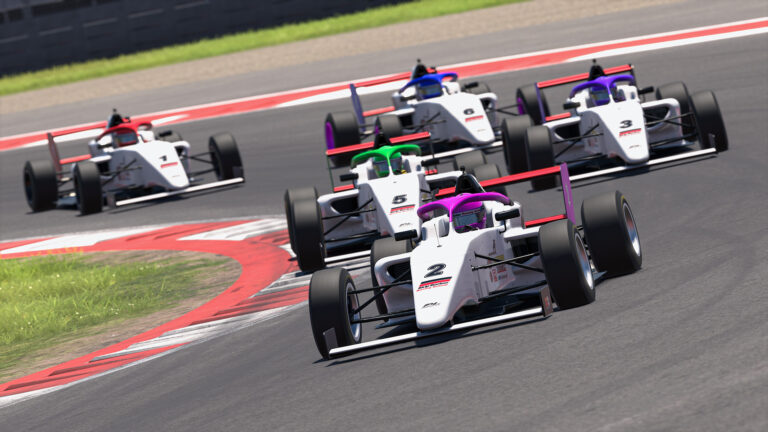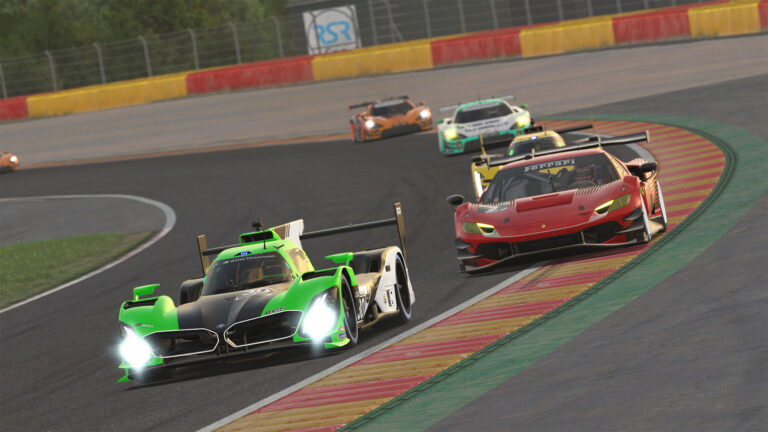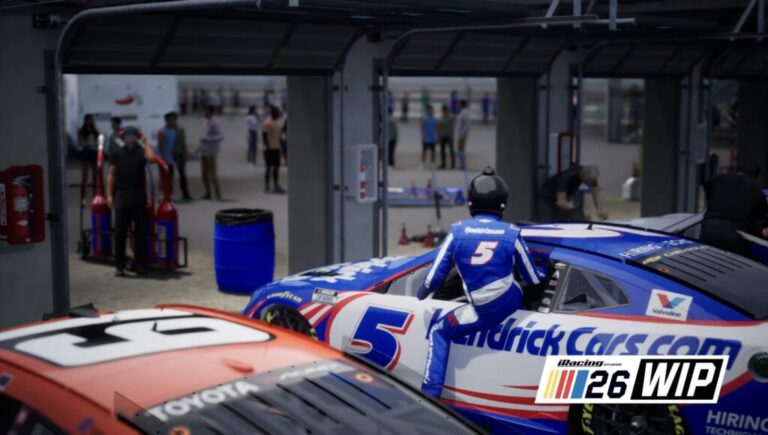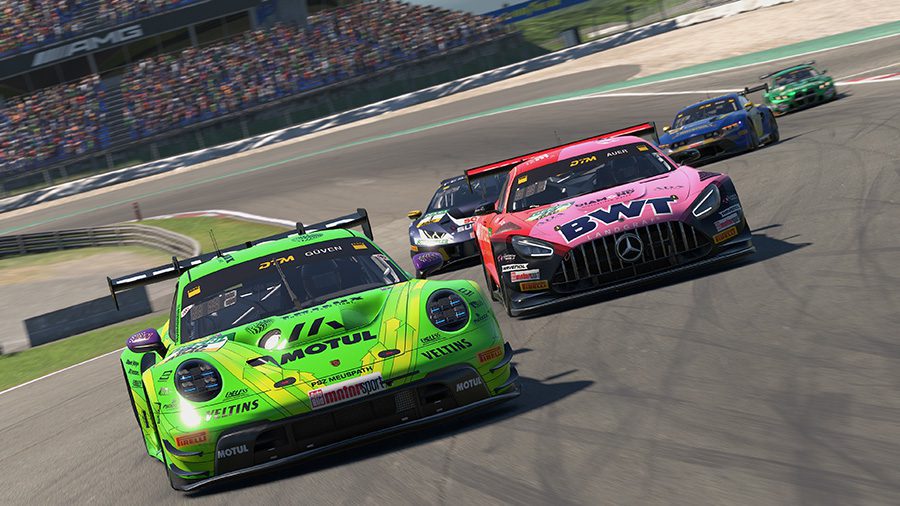
RACECAST is a community-built broadcast automation tool for iRacing, created to solve a problem that anyone who has streamed an endurance race already knows. Managing a live broadcast requires constant work: someone needs to select the camera, deliver commentary, and update the overlays, all while tracking what is happening on track. Over a two-hour sprint with a production team, that workload is manageable. Over a six or twelve-hour endurance event with one person running everything, it breaks down fast. RACECAST handles the camera, the overlays, and the commentary automatically so the broadcast keeps running even without a full operator behind it.
Also See
➡️ Best OBS Overlays for iRacing Streams
🎮 RACECAST Announcement on OverTake.gg
The developer built RACECAST after recognizing a gap in the iRacing toolset. Similar automation tools had existed for Assetto Corsa for years, but nothing comparable had been made for iRacing. The problem was clear to anyone who had tried running long endurance content on Twitch or YouTube: cameras sit on empty track between incidents, commentary goes quiet because there is nothing happening, and viewers drop off. RACECAST takes on all three of those problems directly.
How RACECAST Handles the Camera
The camera system is the most detailed part of what RACECAST does. Streamers can configure cuts by driver name or by race position, with each entry accepting an optional camera selection. RACECAST also runs action-based camera switching automatically, cutting to drivers who go off track or enter the pit lane without any input from the operator. A cyclic camera mode rotates through a configurable number of drivers at adjustable time intervals, so the broadcast never sits on the same car for too long. Cyclically controlled sequences can be set up with specific driver quantities, optional camera assignments, and custom timing per cycle. Over a long race, these modes work together to keep the feed pointed at something worth watching throughout. The combination of preset driver cuts, live action triggers, and timed rotation gives a single operator a level of camera direction that would normally require a dedicated person at the controls.
Overlays and Commentary
RACECAST handles the information side of the broadcast automatically as well. The overlay system includes a statistics display for single-class races and an event overlay that updates race data continuously from the moment the event starts. The commentary system covers the race start, per-car commentary triggered around specific drivers or positions, and cyclic comments that fire at configurable intervals to fill the audio during long green flag runs. Audio output routing is configurable within RACECAST, which matters for streamers running more complex production setups where commentary and race audio need to route to different outputs. Together, these features handle what would otherwise require an operator manually triggering every cue across the full race distance.
Who RACECAST Is For
Not every iRacing streamer needs broadcast automation. For solo driver streams or shorter sprint races, managing the camera manually and handling commentary live is workable. RACECAST addresses a specific scenario: you are running a production, not just driving. The tool targets league administrators who stream their championship rounds, content creators covering long-form endurance events, and esports organizers running small productions without a dedicated broadcast crew.
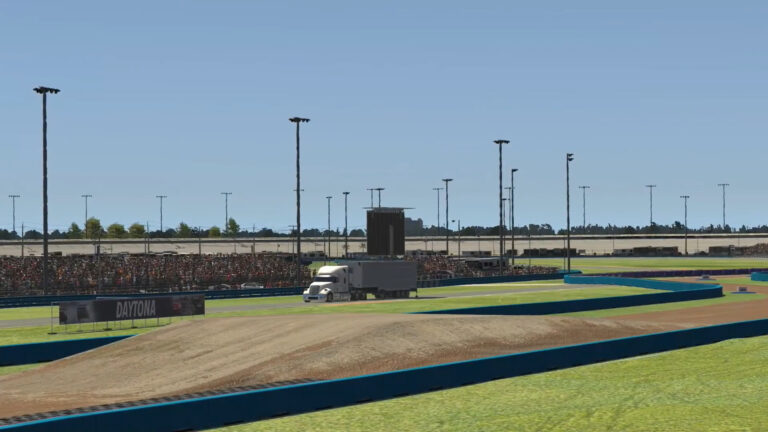
A practical example: a league running a four-hour endurance race at Daytona needs a stream. The admin configures RACECAST before the event, sets up the cyclic camera rotation across the field of drivers, activates action-based triggers for pit lane entries and off-track incidents, and loads the start commentary sequence. The broadcast stays active through fuel stints, pit stops, and long green flag stretches without the admin manually directing every cut. That is not something the existing iRacing broadcast toolkit handled cleanly before RACECAST. The software fills a role that usually falls to the second or third person in a production, the one flagging incidents and switching cameras, and removes that dependency for solo organizers.

Where It Fits in the Broadcast Ecosystem
RACECAST fits into a specific lane within the broader iRacing broadcast toolset. ATVO, built by Appgineering, is the professional standard for production overlays and powers broadcasts by iRacing itself, RaceSpot, ADAC, and various esports series. iRacing-TV handles overlays and camera direction for recorded replay content. SDK Gaming’s Live Streamer targets live HUD and timing data for individual streamers. RACECAST sits closest to the camera-direction and commentary automation side of that ecosystem, but it was built with the single-operator endurance stream problem at the center from the start. It is not a replacement for ATVO’s overlay quality or iRacing-TV’s replay workflow. Instead, it covers the live automation gap that those tools leave open for league and endurance content.
Beta Status and Current Limitations
RACECAST is in active beta, and that has practical implications for anyone considering it for a live production. The feature set is functional and has been used through live broadcasts, but beta software in this category can produce edge cases, and the support community around it is still small. The statistics overlay is explicitly limited to single-class races, so multi-class endurance events with GT and prototype classes running simultaneously are not fully covered by the overlay system. Documentation beyond the initial announcement is limited, which means getting the tool configured for a specific setup may take some trial and error.
Access is through the developer’s Patreon page, where support is also provided. There is no public download link or detailed setup documentation available outside of that. For league admins or streamers who want to try it, Patreon is the current path in. As with most community-built iRacing tools that run on Patreon, the project’s development continues as long as community support does. That is worth factoring into the decision before building a full broadcast workflow around it.
The developer has been clear about wanting feedback from iRacers running RACECAST through actual events, particularly endurance broadcasts. That feedback loop is how the tool improves, and engaging through Patreon is how users currently contribute to that process.
RACECAST covers a gap that has been real in iRacing broadcasting for years. The original announcement on OverTake.gg includes screenshots of the interface. For league admins and endurance streamers who want to try it, the developer’s Patreon is where to start.