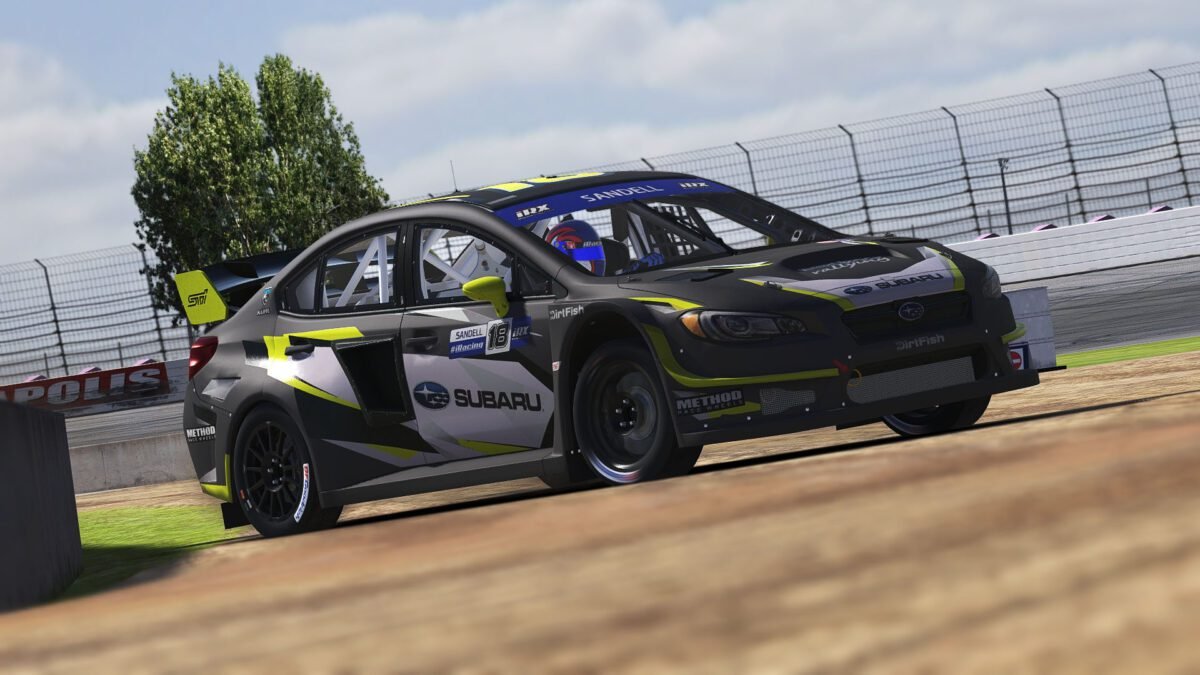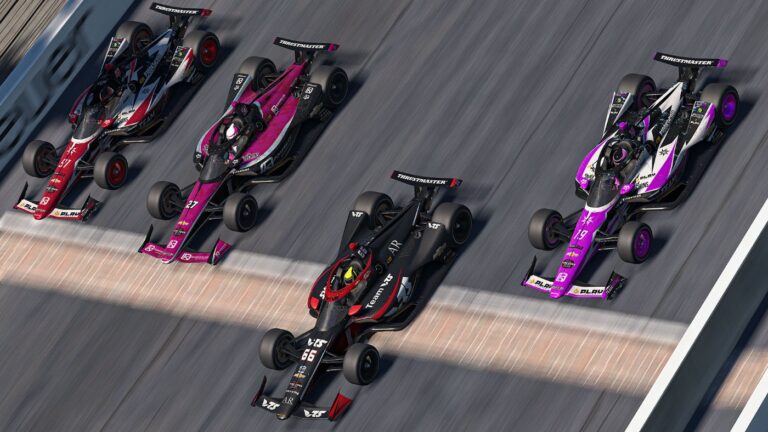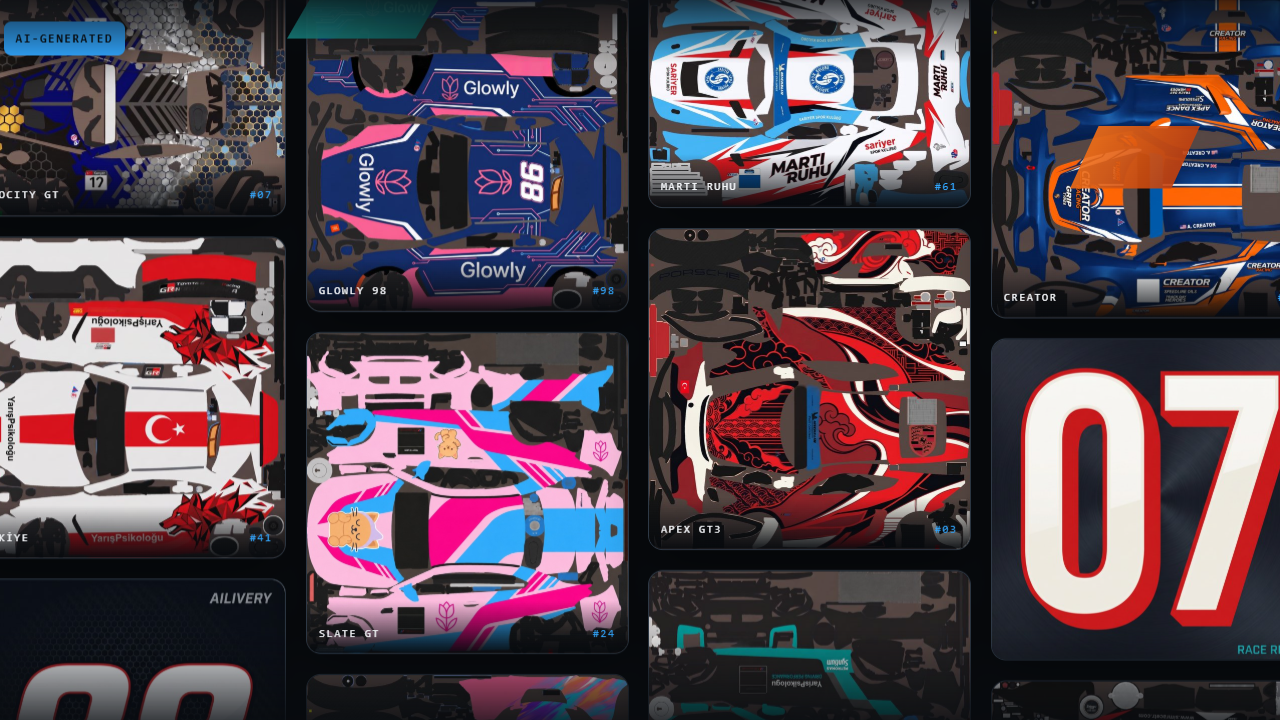
If you’ve ever tried to build a custom paint scheme for your iRacing car, you know how the process goes. You download a UV template, spend a few hours watching tutorials about Photoshop layer masks, and end up with a result that looks completely different in-sim than you planned. Ailivery is an iRacing livery generator that skips all of that. You describe what you want in plain language. The AI paints it directly onto the actual car template. Then you export a race-ready file. No design software, no UV mapping experience needed.
Also See
➡️ Visit ai-livery.com Site
➡️ Forseti App Lets iRacing Drivers Train With Pro Telemetry
Ailivery supports eight simulators, with iRacing being the primary use case the tool is built around. Beyond that, it works with Assetto Corsa, rFactor 2, Le Mans Ultimate, Automobilista 2, Project Motor Racing, Euro Truck Simulator 2, and American Truck Simulator. The workflow is consistent across all of them. You bring a compatible car template, Ailivery handles the painting, and you drop the export into your sim folder.
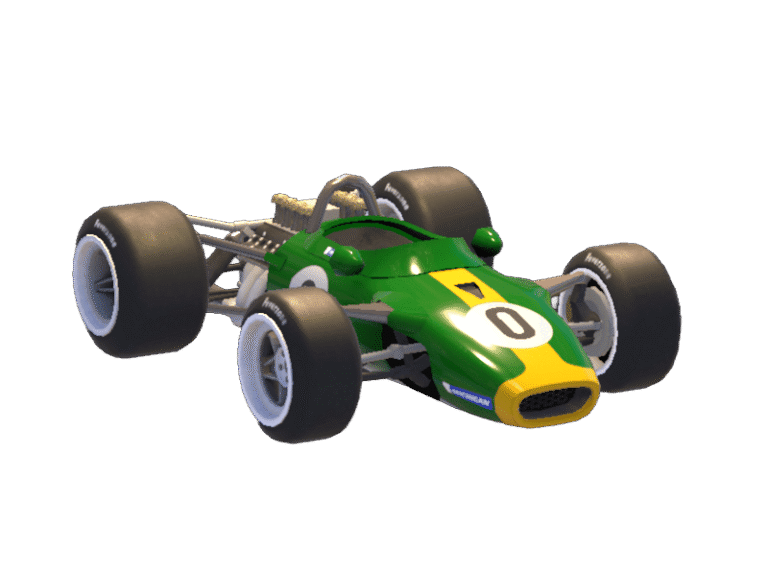
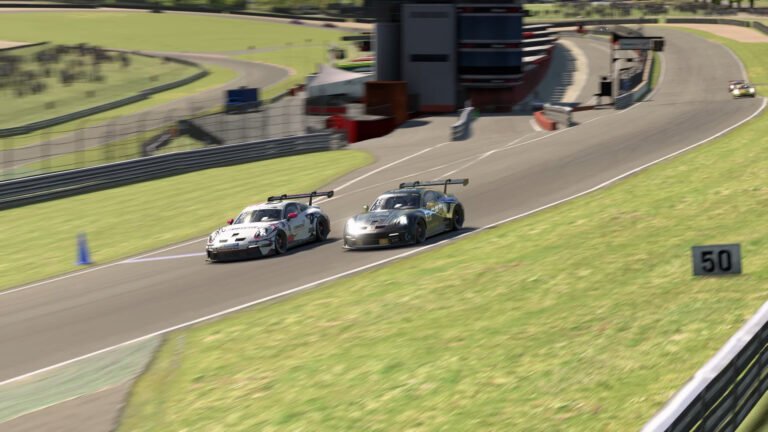
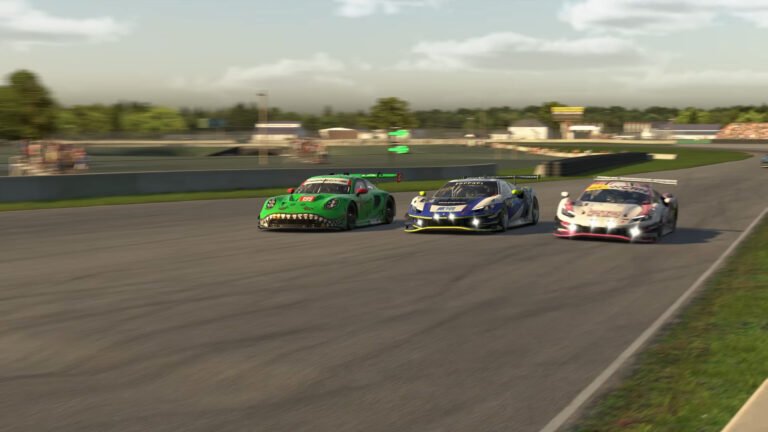
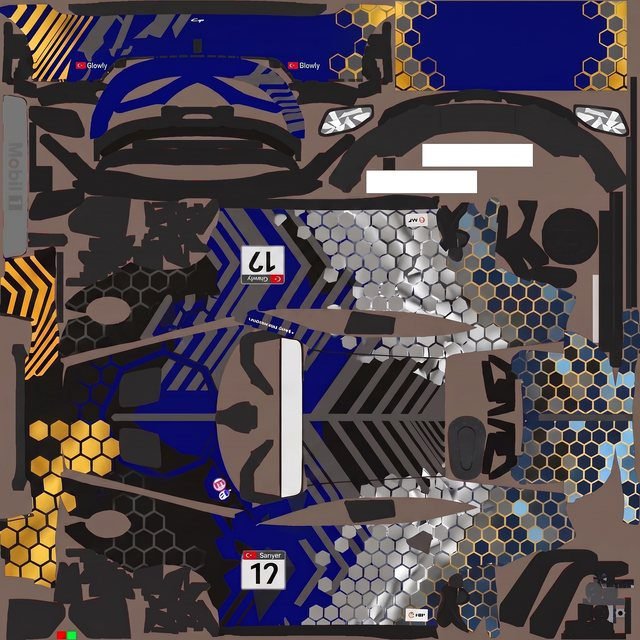
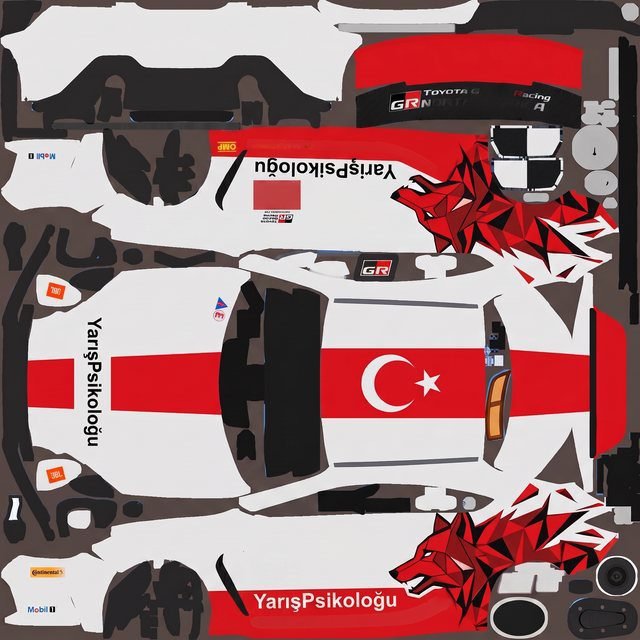
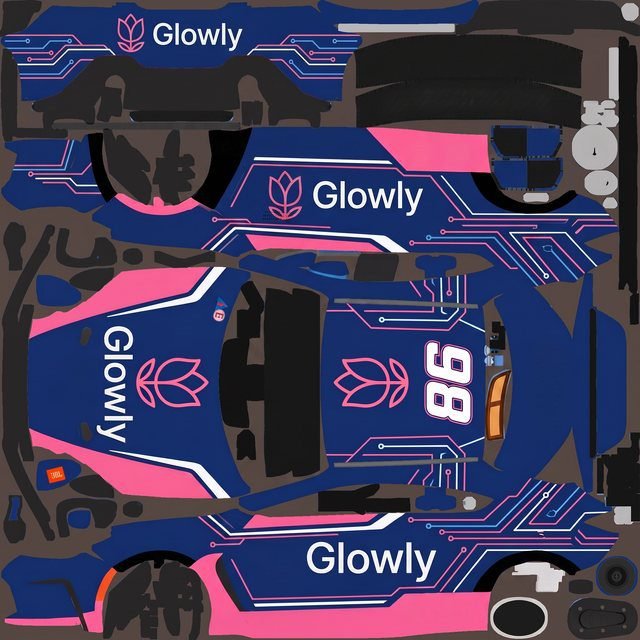
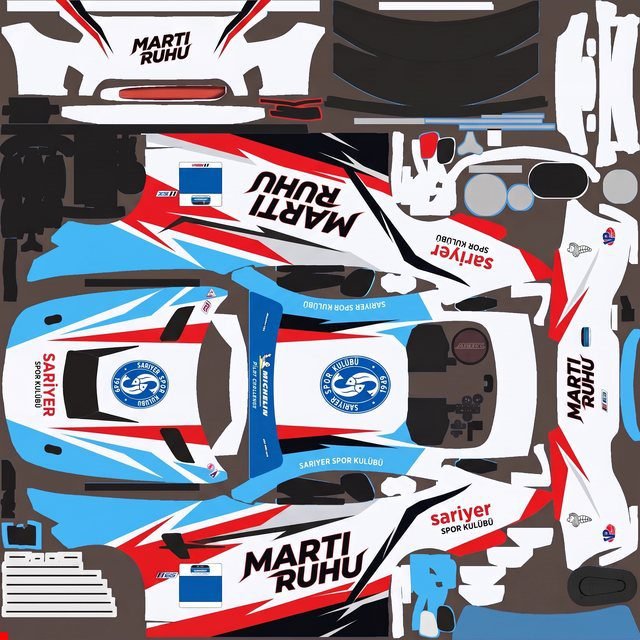
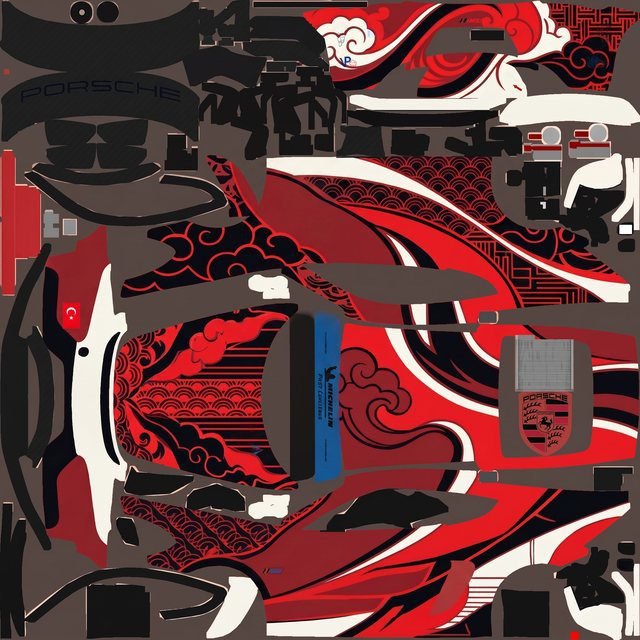
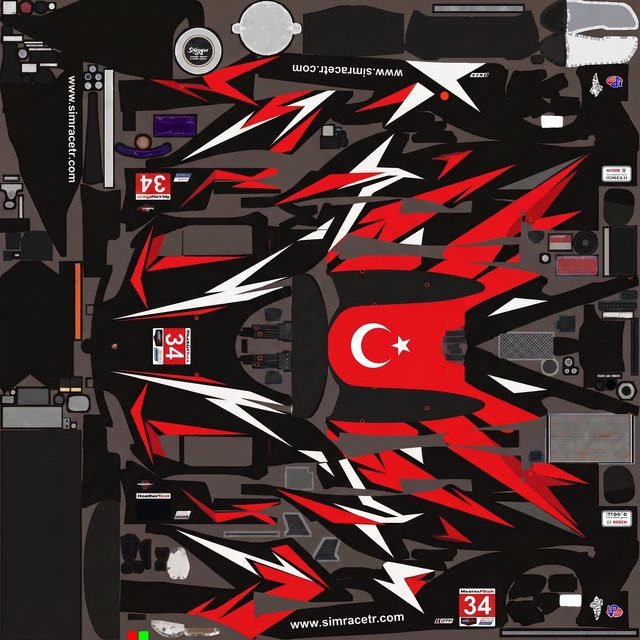
The gallery below shows a sample of liveries built with Ailivery’s AI paint tool — everything from clean racing liveries to bold neon schemes, all created through plain-language chat with no design software involved.
How the iRacing Livery Generator Works
The process starts with a conversation. You open the tool, describe the scheme you want, and the AI asks follow-up questions about colors, race numbers, sponsor layouts, and overall mood. You can also paste in a brand’s website URL, and Ailivery pulls the exact brand colors and logo characteristics automatically. That’s useful if you want a scheme matching a real company’s visual identity without hunting down hex codes by hand.
From there, the AI paints the design onto the actual car template rather than a generic flat canvas. That distinction matters because the hardest part of traditional livery work isn’t the design concept itself. It’s mapping 2D artwork to the curved 3D geometry of a car body without panels stretching and seams misaligning. Ailivery handles the UV coordinate mapping internally, so what you see in the preview is what shows up on the car in-sim.
Once you’re satisfied with the result, you export in TGA, DDS, or PNG format depending on what the target sim requires. An optional Windows helper utility places the file into the correct folder automatically. You can also draw edits directly onto the livery within the interface, add sponsor logos, and rewind to any previous version before committing to the final export.
Pricing and How Credits Work
Ailivery runs on paint credits. Each time the AI generates a new paint pass, it draws from your credit balance. Chat messages, logo placements, and file exports don’t cost anything. Only the actual AI painting does. Credits don’t expire, so there’s no pressure to use them before a billing cycle resets.
There are three plans, all running at doubled credit allocations for early-access users. Starter is $9.99 for 200 credits, which works out to roughly 6 to 10 liveries. Creator is $19.99 for 500 credits, good for 15 to 25 liveries. Pro is $39.99 for 1,200 credits, covering around 36 to 60 liveries. You can create a free account at ai-livery.com and explore the interface before committing to credits. That’s the fastest way to see if the output quality matches what you’re looking for.
What an iRacing Livery Generator Solves for Sim Racers
The core barrier to custom iRacing skins isn’t creativity. Most sim racers have a clear picture of the scheme they want. The problem is execution. Building a livery from scratch starts with downloading a PSD template. Then you figure out which panels map to which part of the car. You paint everything as flat artwork. Then you check how it wraps in the sim and go back to fix wherever it warped or stretched. That cycle takes hours even for someone comfortable with Photoshop.
Ailivery compresses the iRacing livery generator process down to a conversation and a few AI paint passes. It handles UV mapping automatically, eliminating the step that accounts for most of the manual time in traditional livery work. For iRacers who want a custom scheme but have no interest in learning design software, that makes the process actually accessible.
The iterative approach also changes how you experiment with a design. In traditional livery work, adjusting a color or repositioning a number means returning to Photoshop, redoing layers, and re-checking in the sim. With Ailivery, you adjust through chat and run another AI pass. Because each pass targets a specific change rather than rebuilding the entire design, trying multiple variations costs minutes instead of hours.
Compatible Templates and Supported Sims
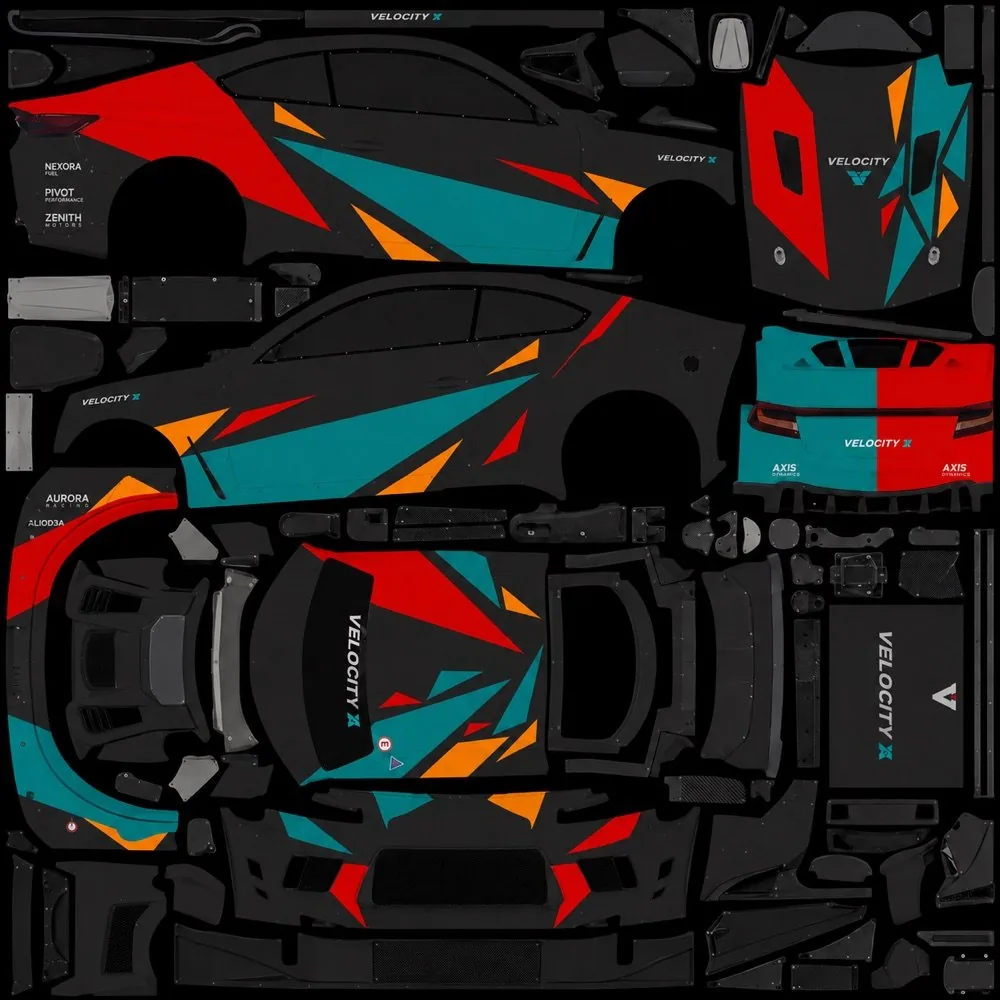
Ailivery accepts car templates in PSD, PNG, or ZIP format. If a template exists for the car you’re running, you can use it. The platform handles NASCAR stock car formats, GT3 vehicles, formula and open-wheel cars, and truck sim templates.
Ailivery supports iRacing, Assetto Corsa, rFactor 2, Le Mans Ultimate, Automobilista 2, and Project Motor Racing on the sim racing side. It also covers Euro Truck Simulator 2 and American Truck Simulator for truck sim fans. Since the output is just an image file in the required format, there’s no simulator-specific integration on your end beyond placing the file in the right folder. The optional Windows utility handles that step automatically.
Where It Fits in the iRacing Livery Scene
Trading Paints remains the standard for sharing and downloading community skins in iRacing. Ailivery doesn’t replace that. What it does is lower the floor for creating something worth sharing. Before a tool like this, uploading an original skin to Trading Paints meant either having real design skill or paying someone for the work. Ailivery turns the creation step into something any iRacer can do without prior experience.
The gallery of user-created liveries on the Ailivery site gives a reasonable picture of current output quality. The results are clean and accurate to the templates. They won’t match what a skilled designer produces in terms of fine detail or original concept. However, for a sim racer who wants a unique scheme that isn’t a default paint, the quality holds up. Nothing in the gallery looks out of place in a competitive lobby.
If you’ve wanted a custom iRacing livery but kept putting it off because of the Photoshop learning curve, the free tier is worth testing before you commit to credits. The technical barrier that stops most iRacers from building original paint schemes is UV mapping and template management. That’s exactly what Ailivery is built to handle.