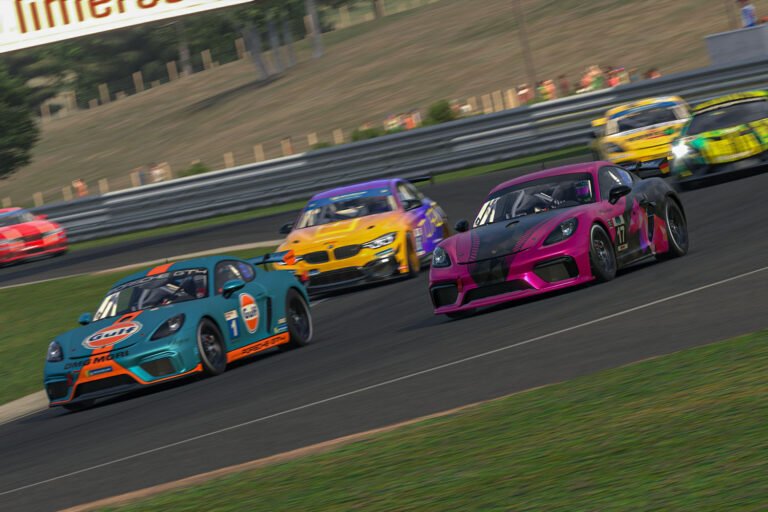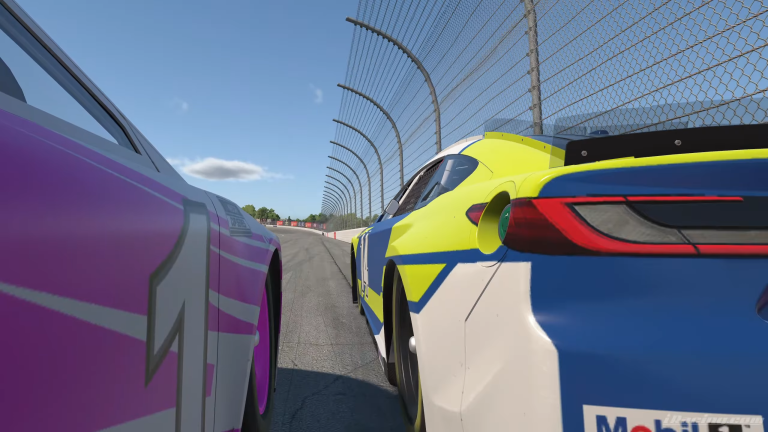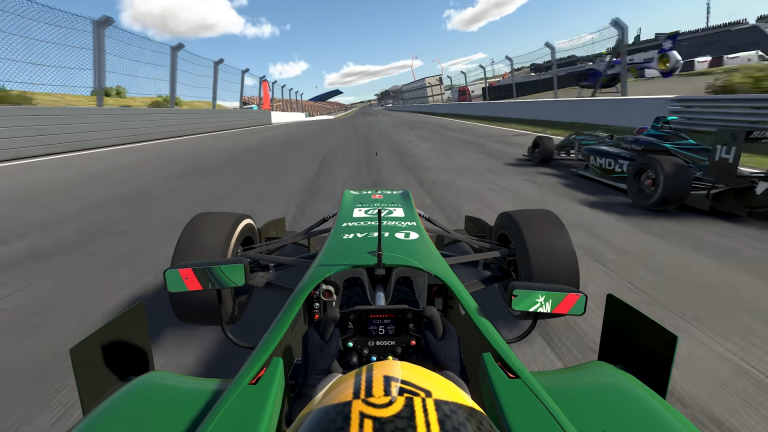
Track Titan video replays are now live. They solve a frustration that has followed iRacing data analysis for years. Getting your onboard footage and telemetry in sync has always meant extra manual work after each session. The feature records your cockpit view automatically while you drive and locks it frame-for-frame to your telemetry data. As a result, there is no OBS to configure, no recording file to manage, and no time offset to calculate afterward. Track Titan announced the feature on August 14, 2026, and it is available for all users now.
Also See
➡️ Is Track Titan Worth It for iRacing? Setups and AI Coaching Reviewed
🎮 Track Titan
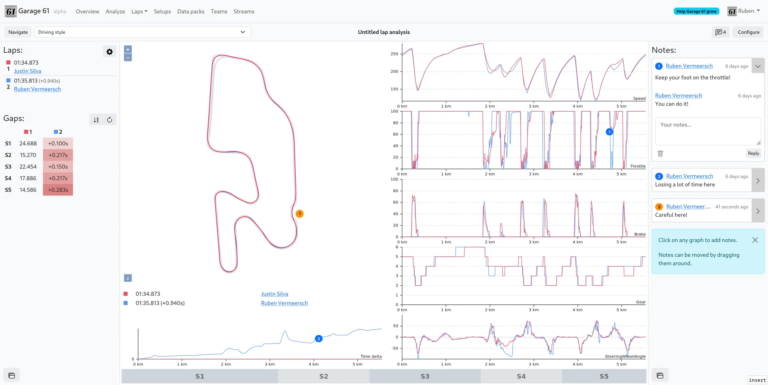
If you have not used Track Titan before, it is a telemetry tool built around iRacing and several other sims. The core tool lets you overlay multiple laps and compare brake points, throttle traces, and sector times. Video Replays build on top of that by attaching cockpit footage to the same data. So instead of reading numbers alone, you can watch what happened across each moment of the lap.
The previous workflow for syncing footage and telemetry data was always more overhead than it was worth. Running OBS alongside a telemetry tool meant recording each session separately, then figuring out the offset to align everything afterward. Track Titan replaces all of that with an automatic recording layer that activates when your session starts. Because it runs in the background, there is nothing to configure between runs. Meanwhile, the result is always frame-accurate and ready the moment you open your data.
Using Track Titan Video Replays to Compare Laps
Track Titan video replays are most useful in the lap comparison view. Because the footage is synced frame-for-frame with your telemetry, you can load a reference lap from a faster driver. From there, you watch it play from your own cockpit angle. Instead of reading a delta that says another driver braked earlier, you see it happen from behind the wheel. That visual reference sticks in a way a number in a column does not.
Performance Impact and Access
For all Track Titan users, Video Replays are included with any plan. Additionally, paid members can pull comparison laps from other drivers in the Track Titan ecosystem. That means you can load a faster user’s lap on the same track and compare inputs directly inside the tool. For most iRacers, that is a more direct path to improvement than what is available without a dedicated coaching session.
On the performance side, Track Titan reports near-zero CPU usage and GPU load peaking under 0.5% during a session. For most setups, that falls well inside the range you can tolerate, even on mid-range rigs running close to their ceiling during multi-class races. For context, that footprint is lighter than running OBS at comparable quality settings would cost you.
Track Titan video replays also follow the 3D Replay feature the tool launched earlier in 2026. That feature provided a spatial overhead view of your lap overlaid with telemetry, letting you compare lines from above. Together, the two tools now cover different angles on the same data. 3D Replay handles trajectory and line work from overhead. Video Replays cover the first-person view of braking zones and reference points that are harder to read from above. The combination gives you more ways to diagnose the same corner without any additional external tools.
The Track Titan video replays feature is live now for all users at tracktitan.io. If you have been syncing OBS footage to telemetry data manually, this removes that overhead entirely. For paid members, the ecosystem lap comparison is also ready to use.