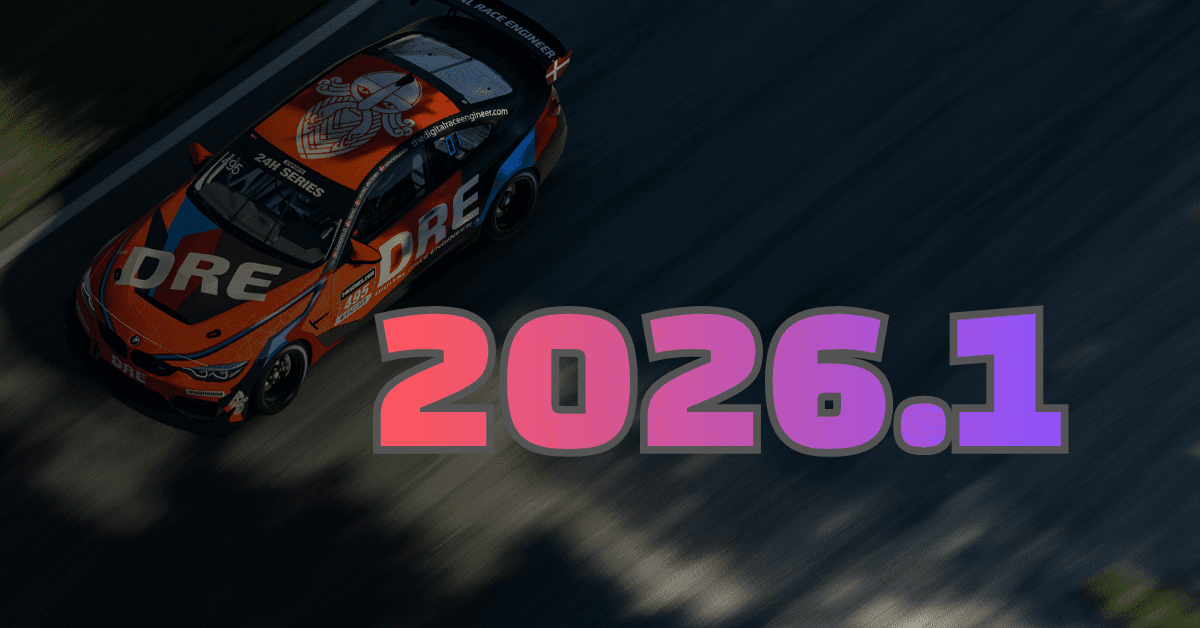
DRE, or Digital Race Engineer, is one of the most established voice control and crew chief systems available for iRacing. Built as a plugin for VoiceAttack, it transforms your voice into a full-time race engineer in your ear. You talk, DRE listens. DRE talks, you act. The result is a two-way communication layer that covers strategic feedback, spotter duties, and sim control without taking your hands off the wheel.
Also See
➡️ Spotter Packs for iRacing Explained
🎮 Digital Race Engineer
The setup requires VoiceAttack, a one-time $10 purchase available on Steam. DRE loads as a plugin inside VoiceAttack and connects to the iRacing SDK, giving it access to live session data. Once configured, DRE can field more than 400 voice commands and deliver over 50 different alert types, covering gap data, fuel burn, flag status, damage reports, position changes, and pit timing. Initial setup takes around 15 to 30 minutes.
What DRE Actually Does
Standard iRacing spotters cover side clearances and basic incident calls. DRE handles those and then goes further. As a race engineering layer, it relays gap data on request, calculates fuel window estimates from your actual lap consumption, confirms pit lane timing, and reports position changes throughout the race. During qualifying, it reads sector times. During endurance events, it tracks stint length and alerts you to driver swap windows.
The voice command library has more than 400 entries, which sounds overwhelming until you realize most drivers learn the 15 to 20 commands most relevant to how they race and build from there. For drivers who run endurance events where fuel management and pit timing matter significantly, the strategic functions pay back the learning curve quickly. For short sprint racers, the spotter and gap calls alone are enough to justify the setup time.
Tier Structure
DRE runs on four subscription tiers: Free, Essentials, Performance, and Ultimate. The pricing page was updated in April 2026 with a refreshed structure.
The Free tier is a genuine entry point, not a demo with an expiration date. It covers core spotter functionality and a baseline command set that is enough to test whether voice control fits into your race workflow. You can run DRE Free indefinitely and only move to a paid tier if the additional features matter.
Essentials and Performance step up the alert library and add more of the strategic data feeds. Ultimate includes the full command set and the deepest integration with live session telemetry. The practical difference between tiers comes down to how much active race engineering you want DRE handling. Casual drivers who want a smarter spotter will find what they need at the lower tiers. Endurance racers managing fuel, stint timing, and position data across a three-hour race will want the fuller feature set.
Who It Works Best For
DRE is most useful for drivers racing on fixed setups who want real-time strategic feedback without a co-driver on voice chat. It is particularly popular in endurance racing because fuel, tire, and stint management are active concerns lap after lap. Being able to ask for a fuel estimate or hear a position call without breaking eye contact with the sim keeps focus where it belongs.
It is less effective for drivers who find any audio input distracting at the limit. If you race in complete silence because every call breaks your concentration, DRE is not your tool. For everyone else who has wanted a crew chief calling fuel windows and gap data without a second screen or a Discord partner, the free tier has removed the barrier to finding out.