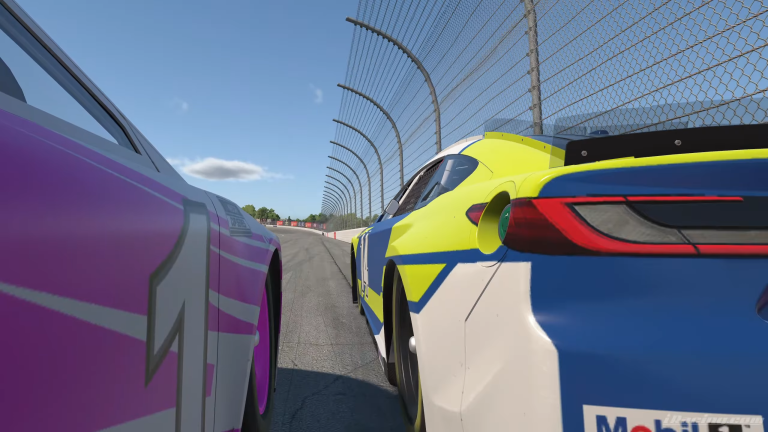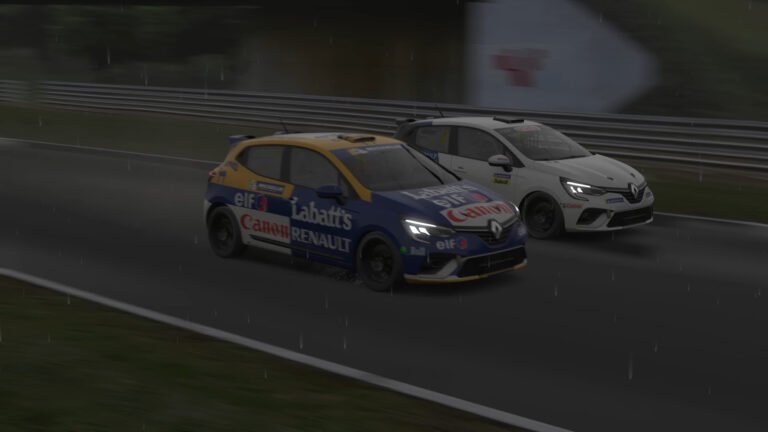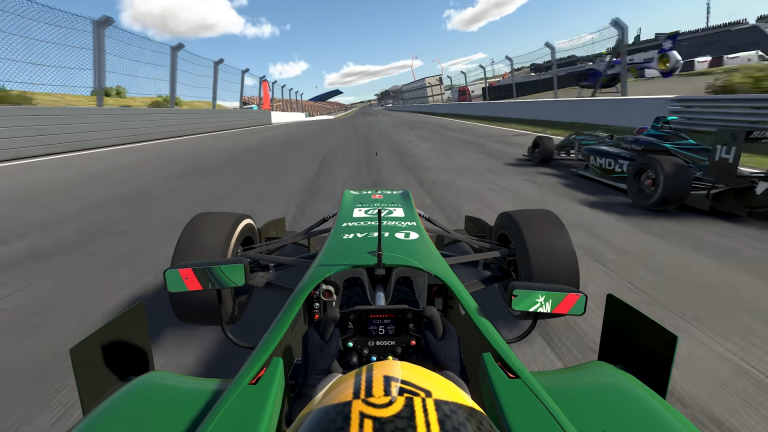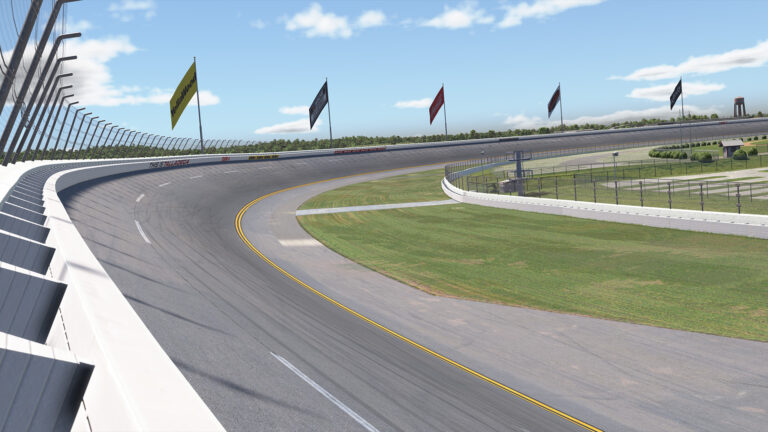
Running solo laps in iRacing is manageable once you find your rhythm. Your first iRacing race is different. Live traffic, unexpected braking, and someone passing on the inside of a corner you thought was yours all arrive at once. No amount of solo practice fully covers it.
Also See
➡️ Car Control for Beginners in iRacing: The Fundamentals That Actually Make You Faster
The good news is that predictability wins races more often than raw pace, especially at beginner level. The drivers around you are also nervous. Most of them want clean laps. When you give them something consistent to work with, you become one of the safer cars on the grid, and your iRating reflects that over time. This article is a practical plan built around that idea.
Are You Ready for Your First iRacing Race?
Before you register, a couple of honest benchmarks help. You should be able to complete 10 to 15 consecutive laps at the featured track without incidents. More importantly, you should know your braking points well enough that you are not hunting for them mid-corner.
Uncertainty in braking zones is the biggest cause of first-lap contact. When you are not sure where to brake, you brake late or inconsistently, and the car behind you pays for it. If you can hit your marks cleanly in solo practice, you are ready. If you are still experimenting with braking distances, give yourself a few more sessions before entering live traffic.
The 10-lap clean benchmark is not a rule. It is a confidence check. Knowing you can do it gives you a reference point when things get chaotic on track. Because that baseline exists, you can reset to it under pressure instead of guessing.
Qualifying and Where You Start
Most iRacing race sessions include a qualifying window before the green flag. Use it, even if you only have time for one flying lap.
Starting toward the back increases your exposure to first-lap chaos. A single qualifying lap, even a moderate one, usually puts you in the middle of the field in lower splits. Therefore, aim for one clean, stable lap rather than hunting for a perfect time. A smooth run beats a fast and messy lap every time. The goal is a grid position in the middle of the pack, not a pole lap.
If you miss qualifying, you will start from the back. That is fine occasionally. However, starting at the back in your first iRacing race puts you in the highest-risk part of the grid during Lap 1, without any of the positioning advantage qualifying provides. Getting that single flying lap in is worth the effort.
Hold a Predictable Line
Once the race starts, your first priority is not gaining positions. Instead, your priority is running a line that the cars around you can anticipate.
That means braking at your normal markers, not adjusting your entry when someone appears in your mirror, and not making sudden lateral moves. A driver who brakes predictably and holds their line becomes one of the safer cars on track, even in close traffic. Furthermore, drivers who are easier to read are drivers other racers avoid hitting.
Additionally, give yourself an extra car length of margin on Lap 1. Because adrenaline affects judgment under pressure, many drivers forget their exact braking distances in the opening corners of a race. That small extra cushion saves more than it costs, and you will recover it once the field has spread out.
Using Mirrors and the Relative Box
iRacing gives you a relative position display in the HUD. That display is useful, but it is easy to fixate on it at the wrong moment. Set a rule for yourself: check the relative box only at corner exits and on long straights, not under braking or through a corner.
Your mirrors are for broad awareness. If a car is clearly visible in your mirror, they are close. If they are a small dot, they are not a threat to your current corner. That distinction tells you when to hold your line and when to give a little extra space.
A free tool like Crew Chief adds a spoken spotter that calls cars on your left and right in real time. It removes the need to check your mirror under braking entirely, which makes your racing cleaner and less stressful for everyone around you.
Voice chat is usually quiet in beginner splits. If it is active, listen rather than talk. Warnings about incidents ahead are the most useful information you can receive during a race, and you cannot hear them if you are already talking.
What to Do on Lap 1 in Your First iRacing Race
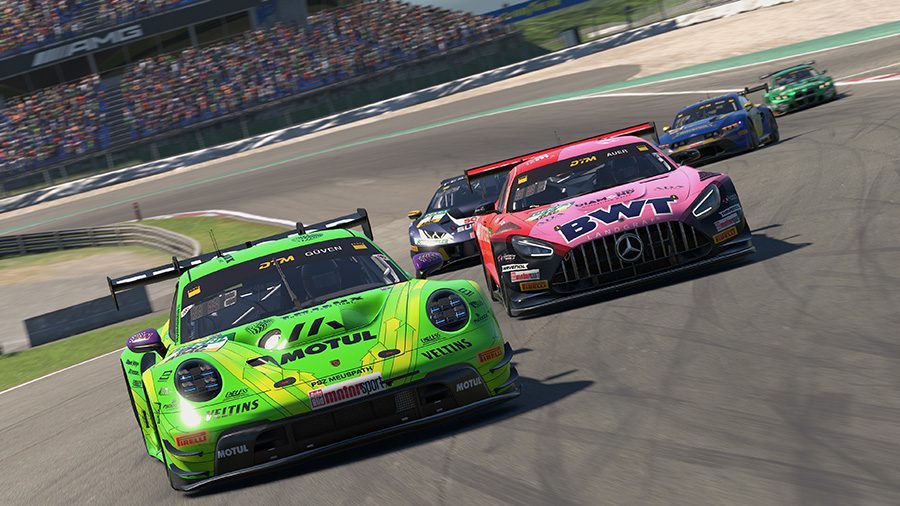
Lap 1 is the most dangerous part of any iRacing race. Consequently, the safest approach is to hold your grid spot through Turn 1 rather than hunting for positions immediately.
Because every driver on track is slightly nervous on Lap 1, small braking errors compound. Someone who brakes a fraction too early triggers a chain reaction through the field behind them. You are safer with extra margin, even if it costs you a spot or two in the opening sequence of corners.
Furthermore, if your grid position puts you on the outside into a banked corner on Lap 1, stay wide. The inside line sees the most contact risk in the opening lap of any race. Give it up and take it back cleanly once the field has spread out after the first couple of corners.
If an incident opens in front of you, brake harder than you think you need to and trust the gap. In most cases the cars around you split and give you a line through. React to what you see in front of you, not what you expect to happen.
Handling Mistakes and Incident Points
Incidents happen, even to experienced drivers. So the realistic goal in your first iRacing race is not a zero-incident result. The goal is keeping them under four incident points for the session, because that keeps your safety rating stable or improving.
After any contact or spin, settle the car, check your mirrors, and re-enter in a gap that does not affect another driver. Do not immediately try to take back the position you lost. Because your pace is close to the drivers around you, you will recover it naturally by running cleanly in the remaining laps.
Also, do not let one incident turn into five frustrating laps. iRating results depend on finishing position relative to your starting position. Consequently, finishing mid-pack from a mid-pack grid is a positive outcome, even if the race felt rough. Drivers who learn from what high-iRating drivers do after incidents tend to progress faster than those who just run more laps.
After Your First iRacing Race: What to Review
iRacing saves a full replay of every session. Watch at least the first five laps after your first iRacing race. Look for moments where your braking was inconsistent, where your line surprised a car behind you, or where you were slow to react to traffic that was already there.
Your incident count in the session log shows what the simulator recorded. Because the contact detection is objective, replays sometimes reveal moments you did not consciously notice during the race. That feedback is more useful than any gut feeling about how the session went.
Also check your safety rating change in the post-race results. Your safety rating determines which splits you race in. Protect it early, and you will stay in races where your pace is relevant to the competition around you.
The Practice Drill for Your First iRacing Race
Before entering live traffic, run one AI race at the same track with the AI difficulty set between 60 and 70 percent. The goal is not to win. The goal is to run 10 laps with clean decisions under live traffic pressure.
AI races simulate close-quarters situations in a consequence-free environment. Furthermore, they reveal whether your instincts under pressure match your practice pace. When you complete that AI race with two or fewer incidents, the first iRacing race in a live session will feel more manageable than you expect.
The goal of every first live race is the same: finish the session, gather the data, and use it. Finishing mid-pack cleanly is a better result than a chaotic charge from the back. Build the foundation, and the pace takes care of itself over time.