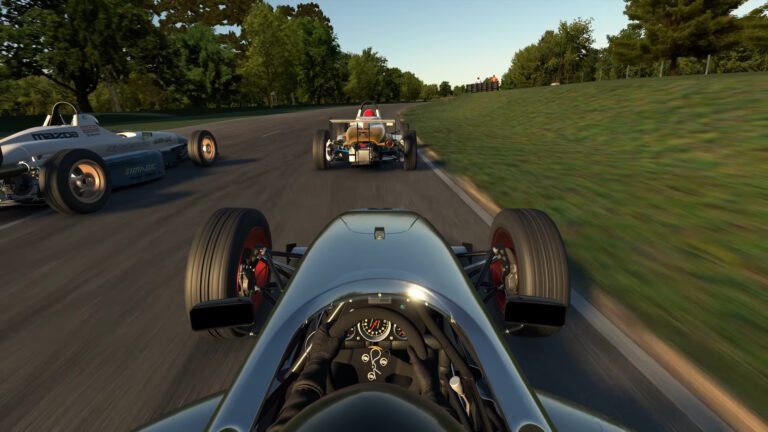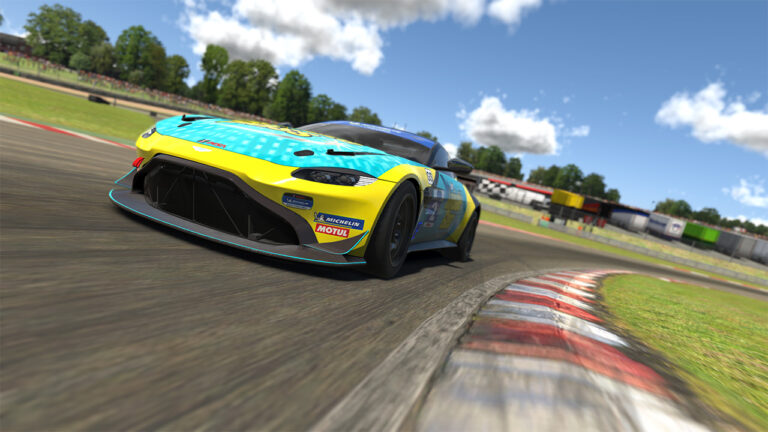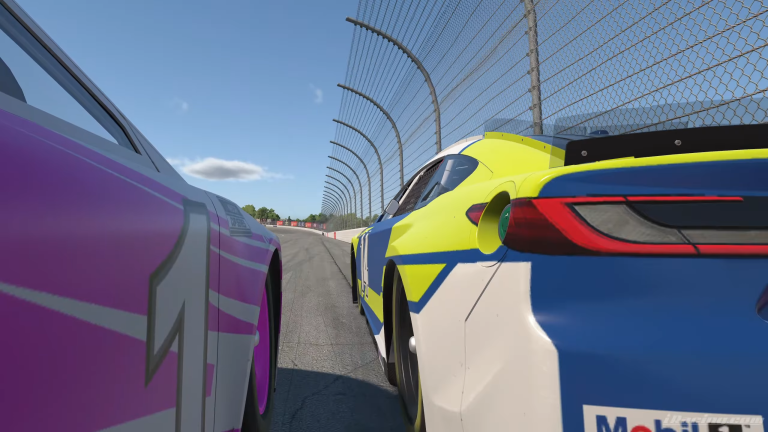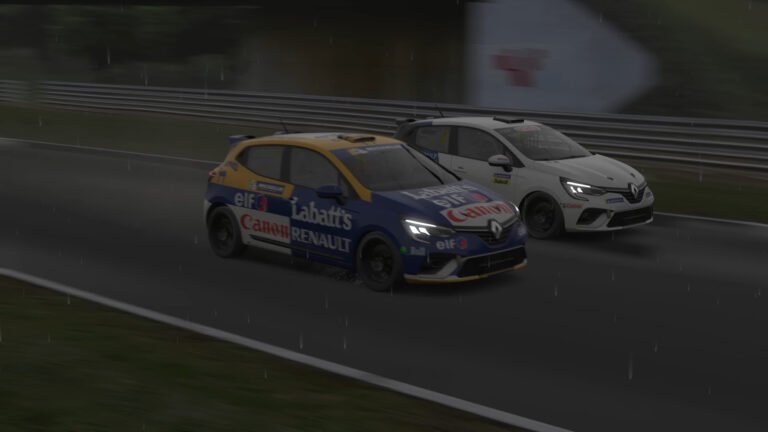
Learning a new track in iRacing is one of the most exciting parts of the sim. It is also where most drivers make the same preventable mistakes over and over. These errors cost time, wreck safety rating, and turn a fun challenge into a frustrating grind. Understanding the iRacing mistakes learning new track drivers repeat most often is the first step toward fixing them. This guide breaks down the biggest mistakes iRacing drivers make when learning a new track, and more importantly, how to fix each one.
Also See
➡️ How to Actually Get Faster in iRacing: A Driver Development Guide
Mistake 1: Watching One Reference Lap and Calling It Research
YouTube laps and hotlap videos are everywhere. Watching a fast driver set a lap at your target track feels like preparation. The problem is that watching is not the same as understanding.
When you watch a reference lap, you see what the driver does but not why. You do not feel the late apex on Turn 4, you do not sense the understeer on corner exit, and you cannot absorb the track’s rhythm by watching someone else drive it.
Reference laps are useful. Use them to identify braking markers, apex targets, and general car positioning. However, treat them as a starting framework, not a finished answer. You still need to seat time to internalize the track properly.
Mistake 2: Attacking Too Hard Too Soon
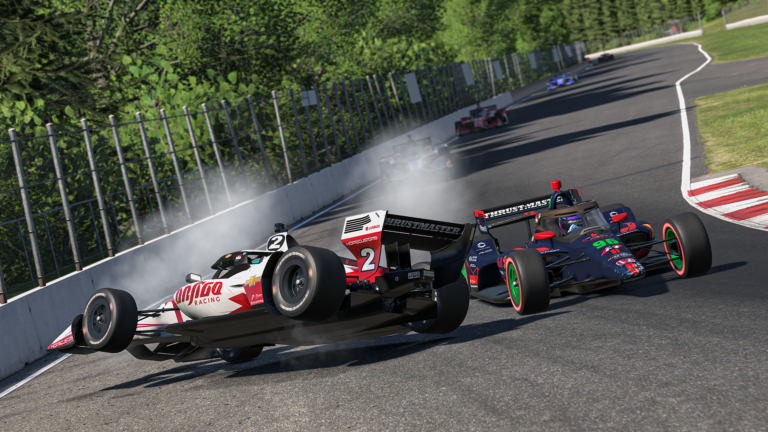
This is the most common mistake drivers make on a new track. They load in, watch a fast lap, and immediately try to replicate it at full speed. The result is a series of off-track excursions, spins, and crashes that teach almost nothing useful.
Speed comes from confidence, and confidence comes from repetition. On your first session at a new track, drive at 80 percent. Focus on finding the correct lines and identifying landmarks. Once the track layout feels familiar, build pace gradually over several sessions. Drivers who take this approach are consistently faster after 50 laps than drivers who tried to go flat from lap one.
Mistake 3: Ignoring Braking Markers
iRacing tracks are packed with braking reference points. Distance boards, curb patterns, track surface changes, and trackside signage all serve as markers. Most new drivers ignore them entirely and rely on feel instead.
Feel is unreliable when you are still learning a circuit. Braking by feel means your braking point shifts lap to lap depending on how comfortable you feel in that moment. Consistent braking markers lock in your braking point so you can adjust it methodically rather than guessing each time.
Before your first session, watch a reference lap with the specific goal of identifying two or three braking markers per corner. Write them down if needed. Then use those markers in practice and adjust from there.
Mistake 4: Running Full Laps When You Should Be Working Sections
Full laps feel productive. You are on track, you are moving, and your lap times are appearing in the timing overlay. However, full laps are inefficient when you are still learning a circuit.
If you are losing two seconds in Sector 2 and half a second everywhere else, spending 70 percent of your practice session in Sector 1 and Sector 3 is wasted time. Isolate the problem sections and drive them repeatedly. Exit the pit lane, skip to the start of the sector you need, and drill it until it clicks. Then extend your practice runs to include surrounding context.
This targeted approach accelerates improvement more than any number of full laps at a track you half-know.
Mistake 5: Not Using the iRacing Track Guide or AI Spotter
iRacing includes a track guide tool accessible from the garage. Many drivers have never opened it. This tool shows you corner names, recommended gear, and general notes about each section of the track. It is not exhaustive, but it gives you a vocabulary for thinking about the layout.
More importantly, knowing corner names matters when you want to communicate about setup changes or discuss a specific section with faster drivers in your series. “I’m losing time in the Bus Stop” is a useful conversation. “I’m losing time in that twisty bit after the fast left” is not.
Mistake 6: Carrying Too Much Entry Speed
On tracks you know well, carrying extra entry speed is a skill. On a new track, it is a trap. Carrying more speed into a corner than you can manage means you run wide on exit, compromise the next corner, and often have to lift to recover. Each of those actions costs more time than the entry speed saved.
The better approach on a new track is to brake earlier than you think you need to. Get the car stopped, turn in cleanly, and focus on maximizing exit speed. Exit speed matters far more than entry speed for lap time, especially on tracks with long straights following corners.
As you gain familiarity, you can push the braking point later, one meter at a time. That incremental approach builds sustainable pace.

Mistake 7: Skipping the Track Evolution Phase
iRacing’s track surfaces evolve with rubber. Early in a race week, the track is green. Lap times are slower, grip levels are lower, and lines that worked on other sims may not apply. As the week progresses, the preferred racing line rubbers in and grip increases meaningfully.
Drivers who practice early in the week and then race mid-week or late in the week will notice the track feels different. Expect that and plan for it. If you are learning a track mid-week, that is actually ideal, as the rubbered-in surface gives you more grip and more consistent feedback than a green track.
Mistake 8: Never Reviewing Your Own Data
iRacing records telemetry from every session. Most drivers never look at it. That is a significant missed opportunity, especially at a new track where you have no baseline yet.
Even basic analysis helps. Open your session data after practice and look at two things: your braking traces and your minimum speed through each corner. If your braking traces are inconsistent across laps, your braking points are not locked in yet. If your minimum speed is well below the reference lap on certain corners, those are your priority sectors.
Tools like iRacing’s built-in telemetry viewer, TrackTitan, and VRS make this analysis approachable even if you have never used telemetry before.
Mistake 9: Joining a Race Before You Can Run Consistent Laps
Race entry is available from the moment a week starts. Some drivers enter a race after five practice laps because they assume they will learn faster in a race environment. This is almost never true, and it usually ends badly for them and the drivers around them.
A useful self-test before any race: can you run five consecutive clean laps at a consistent pace? If the answer is no, you are not ready to race. Five clean practice laps is the minimum standard. Ten is better. A driver who meets that standard is far less likely to cause an incident on lap one than a driver who does not.
Protecting your safety rating matters, but protecting the race experience of the other 20 drivers in your split matters just as much.
Fixing iRacing Mistakes Learning New Track: The Right Process
Most of these iRacing mistakes learning new track share a common root: impatience. Drivers want to be fast immediately, and the urgency leads to shortcuts that slow development rather than speed it up.
The fix is a structured approach to track learning. Start slow, use braking markers, isolate problem sections, review your data, and build pace progressively. Give yourself at least two full practice sessions before entering a race at a new track. That investment pays back immediately in cleaner races, better results, and a better experience for everyone on track.
The fastest drivers in iRacing are not faster because they have better instincts. They are faster because they have a better process. Adopt the process and the pace follows.