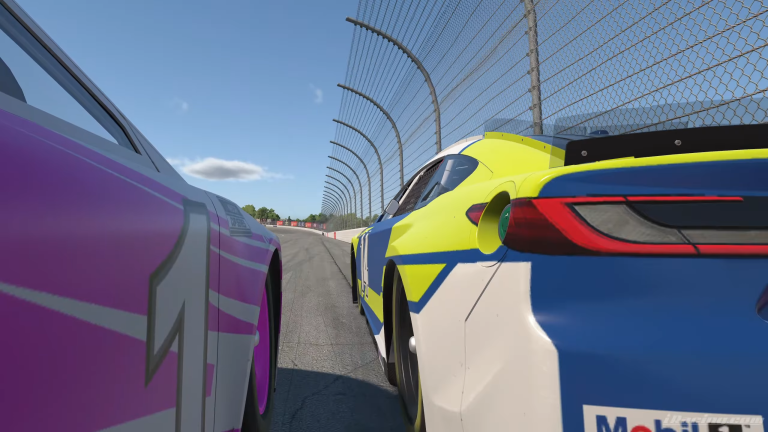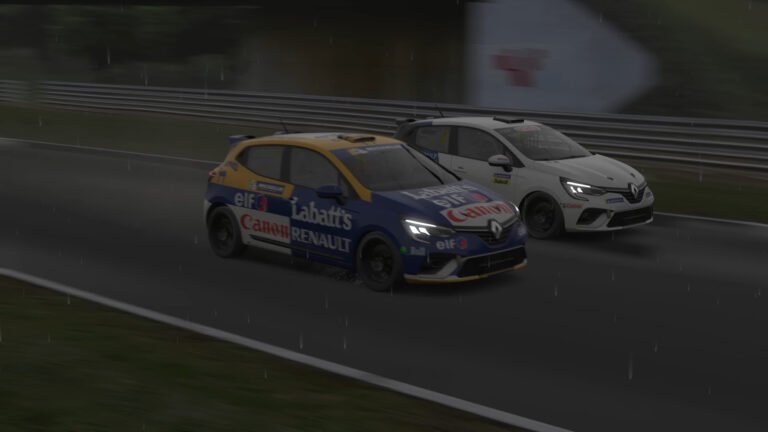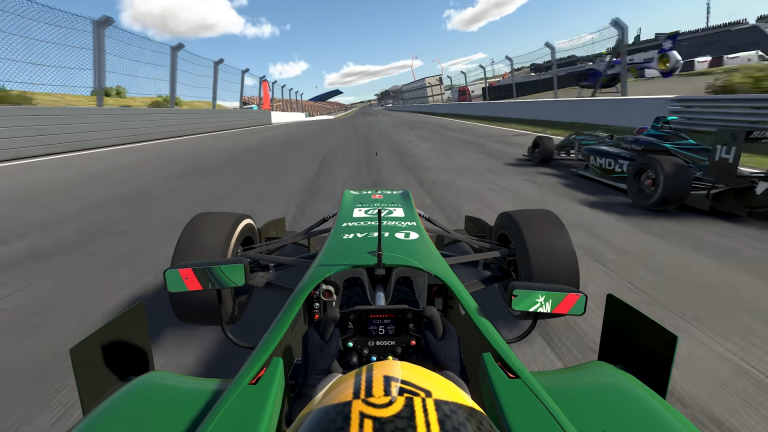
iRacing Season 4 UI adds six new features in September, covering in-pit information, car damage readouts, time trial reference data, and general settings access. None of these replace core sim functions, but each one addresses a specific gap in information that iRacers have been working around using third-party tools or in-race estimation. The Pit Summary UI, Car Damage UI, Reference Car UI, Quick Settings, Shifting Feedback, and Pinned Mode all arrive together in the September build.
Also See
➡️ iRacing Career Mode Enters Final Polish Ahead of Season 4
🎮 Official iRacing August 2026 Development Update
Pit Summary UI
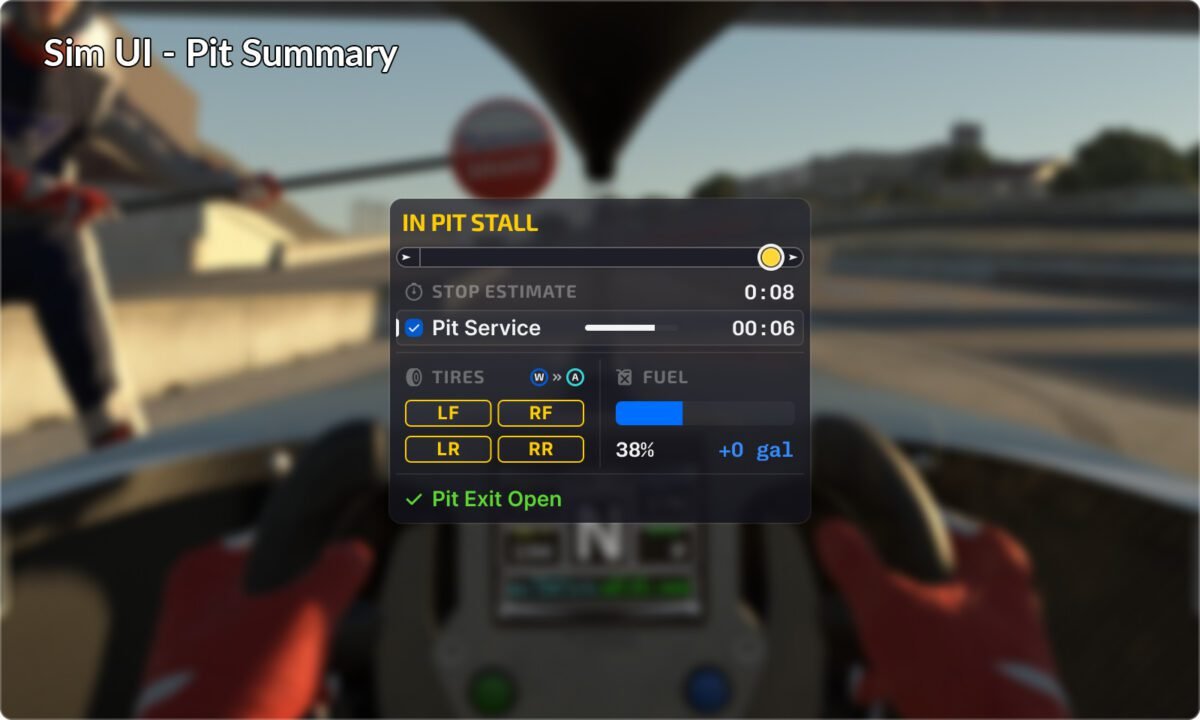
The iRacing Pit Summary UI gives live information during pit stops. It shows service duration estimates, active service selections, damage assessments, and a visual indicator for pit stall position. For endurance racing and longer stints, knowing what is being done to the car and how long it will take is operationally useful, especially in class racing where pit strategy relative to competitors matters. The display gives real-time visibility into what is happening while you are stationary rather than requiring you to track it from external crew chief tools alone.
Car Damage UI
The iRacing Car Damage UI is an optional graphical display that shows damage state as a color-coded car representation. iRacing is explicit about what this is: a practical estimate tool, not a precise readout. It is designed to give you a working sense of damage severity without artificial precision about values the sim does not expose. The real-world equivalent is a crew chief giving you a general read on the car’s condition based on what they can see, not a percentage readout from a sensor array.
Because it is optional, drivers who prefer to manage damage by feel or through third-party telemetry tools can ignore it. For drivers in longer endurance events where damage accumulates over time and repair strategy matters, the color-coded overview gives a quick reference that does not require leaving the cockpit view or parsing detailed telemetry mid-race.
Reference Car UI
The Reference Car UI is available in Time Trial, Time Attack, and Test Drive modes. It displays driver inputs from a reference lap in real time while you are driving, showing braking points, throttle application, and steering inputs from the ghost or benchmark run. For iRacers trying to improve technique in solo practice sessions, seeing where a faster lap’s braking zone starts relative to your own is more actionable than lap time alone. The Reference Car UI brings this capability into the native iRacing UI without requiring external video comparison or telemetry overlay work.
Quick Settings
Quick Settings replaces the legacy F9 black box interface. The F9 panel has been iRacing’s in-car settings access point for camera, graphics, and input controls, but its layout has not kept up with the settings it is supposed to cover. Quick Settings reorganizes these controls into a more accessible structure. For drivers who adjust camera angles, graphics quality, or controller settings mid-session, the improved layout reduces the time spent navigating the interface.
What Third-Party Tools Have Been Covering
Before Season 4, iRacers running endurance events relied heavily on external tools to fill the information gaps that these new UI elements address. Crew Chief, iRacing’s own voice assistant, and third-party telemetry overlays have served as the primary sources for pit service information, damage state, and input reference. These tools require additional software running alongside iRacing, hardware to run them on, and in some cases a second monitor to display them during a race without cluttering the main view.
The native UI additions do not replace the depth of third-party telemetry tools, but they reduce the dependency on external software for the most commonly needed race information. A driver who could not previously afford or set up additional screens and software now has access to the core information in the native client. For competitive events where information latency matters, the native implementation also eliminates any delay or sync issues that come from external tool communication with the game.
Endurance Racing Impact
The Pit Summary UI and Car Damage UI together address the two most operationally important information needs during an endurance stint: knowing how long the stop will take and knowing how damaged the car is. In a four-hour IMSA event on iRacing, pit stop timing can determine whether a car leads a class or drops a lap. The difference between a 30-second stop and a 35-second stop changes strategy relative to competitors who are on the same lap. Live visibility into service duration mid-stop gives drivers and co-drivers better information for strategy calls in real time.
Damage state affects decisions about when to pit, how aggressively to defend a position late in a stint, and whether a car is capable of running a full stint to the next pit window. Having a color-coded estimate of damage severity during the race rather than trying to infer it from handling changes alone is operationally useful in the class racing environment where damage from earlier contact can compound over a long stint without feeling dramatically different lap-to-lap.
Shifting Feedback and Pinned Mode
Shifting Feedback is an optional gear indicator that confirms successful shifts and visualizes mis-shifts. For drivers who are learning sequential gearboxes or working on shift timing in faster cars, mis-shift visualization is a useful diagnostic tool. The indicator is optional, so drivers who do not want the visual noise can disable it.
Pinned Mode lets specific UI elements remain visible when the HUD is hidden. The practical use case is replay analysis: you can watch a replay without the full HUD active while keeping input telemetry or a specific display element pinned to the screen. This is useful for post-race review without building a custom broadcast overlay or managing multiple software layers. These are small improvements individually, but together they address real workflow gaps that iRacers manage around every session.