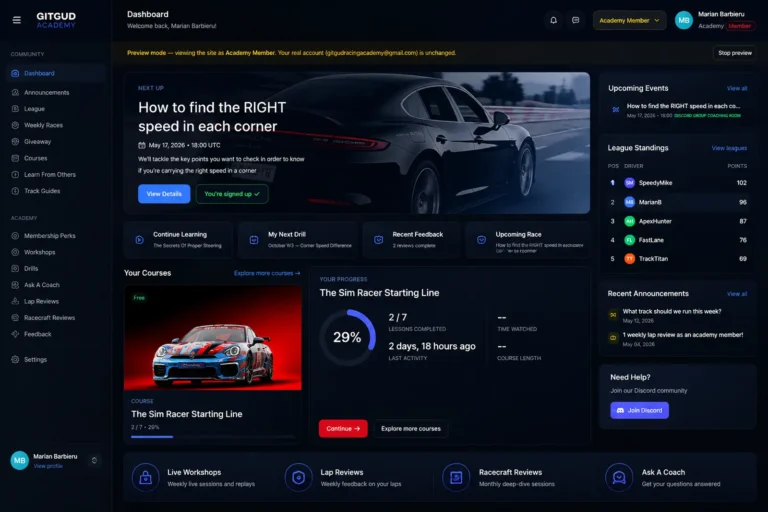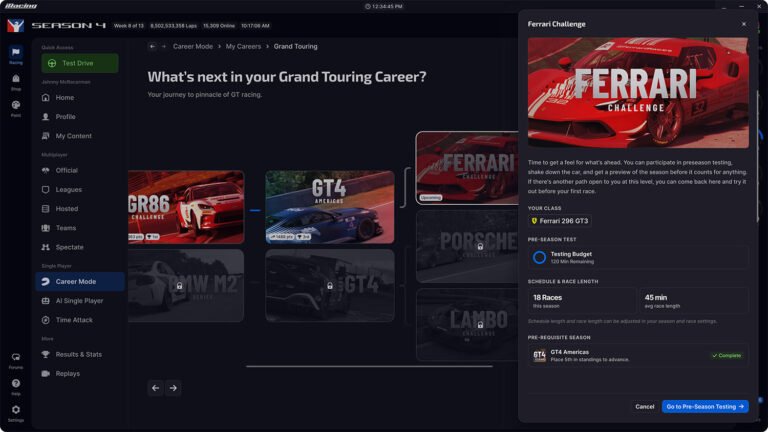
If you want to see your iRacing race queue without loading the full sim client, iRefined Web is a faster option. It is a free, browser-based tool. A community developer built it to show your upcoming sessions at a glance, so you can plan your race without waiting for the launcher.
Also See
➡️ irDashies: Free Open-Source iRacing Overlays
The project started as a Windows desktop app. It ran as a system tray application and hooked into the iRacing UI. When active, it added a queue bar at the bottom of the iRacing interface. From there, you could see upcoming sessions and pre-register with fewer clicks. You could also save and share test drive configs, which iRacing does not support natively. Automatic sim launch before race sessions was another useful feature.
Why the Developer Built a Web Version
iRefined ran into trouble in 2026 Season 1 when iRacing updated its UI. Because the extension hooks directly into the iRacing interface, UI changes can break compatibility without warning. The developer flagged this early. As a result, iRefined Web was built as a response. The web version shows your iRacing race queue in any browser. You do not need the iRacing client open to use it.
For drivers who check their schedule during the day, that is a meaningful improvement. The iRacing launcher takes a couple of minutes on most machines. Sometimes you just want to know if a race starts in the next 20 minutes. A browser tab answers that much faster than loading the full sim.
The original desktop app is still available and actively maintained on GitHub (jason-murray/irefined). Since the Season 1 changes, compatibility has been in flux. Some features may work differently depending on your iRacing UI version. However, the developer pushes updates regularly when iRacing makes changes. For the latest on the web version, the iRacing forums thread is the best place to follow along.
iRefined is free and open source. If you check your iRacing race queue often, it is worth a few minutes to try.