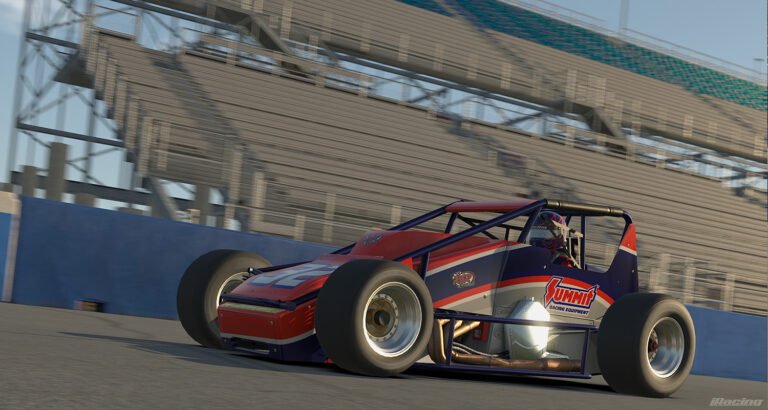
This patch aims to fix several remaining performance and functionality issues after our last patch. We’ve also included a few more vehicle balance tweaks to help make the remainder of this racing season more competitive and exciting.
Have fun ’round the circuits and ovals!
CHANGE LOG:
Netcode
– Fixed an issue that might have caused the loss of voice chat and/or dynamic track updates from the server when using the “1Mbit/sec or higher” bandwidth selection in sessions with 58 or more cars.
Simulator
– Enhanced the Crash Dumper to log additional info when a freeze is detected.
– Fixed an issue with altered thread priorities on Windows 10 systems.
DirectX 11
– Fixed an issue where the drop shadow of a car was sometimes rendered using the texture of a different car.
– Fixed an issue where random flickers of geometry could be rendered with some particles.
– Fixed some large pauses that would occur while loading due to shadow volumes.
– The Alt+Tab functionality of the Sim has been adjusted due to several issues that could occur, such as crashing during exiting or notifications causing the screen to go completely black. The new changes work as follows:
– – The Sim may be toggled between Full-Screen Mode and Windowed Mode by pressing Alt+Enter.
– – When running in Full-Screen Mode, Alt+Tab toggles the Sim into Windowed Mode.
– – When running in Windowed Mode, Alt+Tab switches the active app focus as normal.
– – The Sim will not automatically toggle back into Full-Screen Mode when regaining active app focus. Be sure to use Alt+Enter to toggle back into Full-Screen Mode from Windowed Mode.
– – The Sim may automatically switch from Full-Screen Mode to Windowed Mode for several reasons including certain program notifications, or DXGI detecting another window suddenly overlapping the Sim window. A registry setting, “HKCUSoftwareMicrosoftDXGIDisableFullscreenWatchdog”, may modify some of this DXGI behavior. Experiment at your own risk!
– – If you experience problems with Full-Screen Mode, a highly recommended alternative is to use Windowed Mode with a full-screen sized borderless window. This may be configured during the auto-configuration or using the Graphics Options screen inside the Sim.
PopcornFX
– We have worked with the folks at PopcornFX and fixed an issue where the Sim could freeze when the Particle Detail setting is at the “Medium” or “High” value. With this fix, please feel free to adjust the Particle Detail setting as you wish. If you increase the Particle Detail setting and start to experience application freezes, please try reducing it back to the “Low” value and contact Customer Support for advice.
Controls
– Fixed a pedal calibration bug with certain custom pedal boards.
– Fixed a bug that prevented users from using the S, V, and ; keys when naming a new radio channel.
Audi R8 LMS GT3
– Ride height sensitivity of aerodynamics has been reduced to increase stability when sudden changes in track elevation and track camber occur.
Dallara DW12
– Fixed a bug so that brake pressure bias value is now displayed in the Garage and F8 Black Box instead of the brake bar bias value. This fix has no effect on existing car setups, it only corrects the displayed value for brake bias.
Formula Renault 2.0
– Fixed a bug so that brake pressure bias value is now displayed in the Garage and F8 Black Box instead of the brake bar bias value. This fix has no effect on existing car setups, it only corrects the displayed value for brake bias.
Mazda MX-5 Cup
– The maximum allowable suspension damping has been reduced to ensure the dampers are numerically stable while driving.
McLaren MP4-30
– Fixed an issue where the Energy Recovery System (ERS) was unable to toggle from Adaptive Deployment Mode back to Fixed Deployment Mode.
Mercedes-AMG GT3
– Slightly improved fuel economy to equalize stint lengths against other GT3 cars.
– Very slightly reduced downforce to enhance balance between GT3 cars.
Super Late Model
– Vehicle setups have been updated.