Run Crew Chief on a Second PC for iRacing VR
Running Crew Chief and overlay apps on your iRacing PC cuts into VR frame rates. Here is how to offload them to a second PC using iracing-teleport.

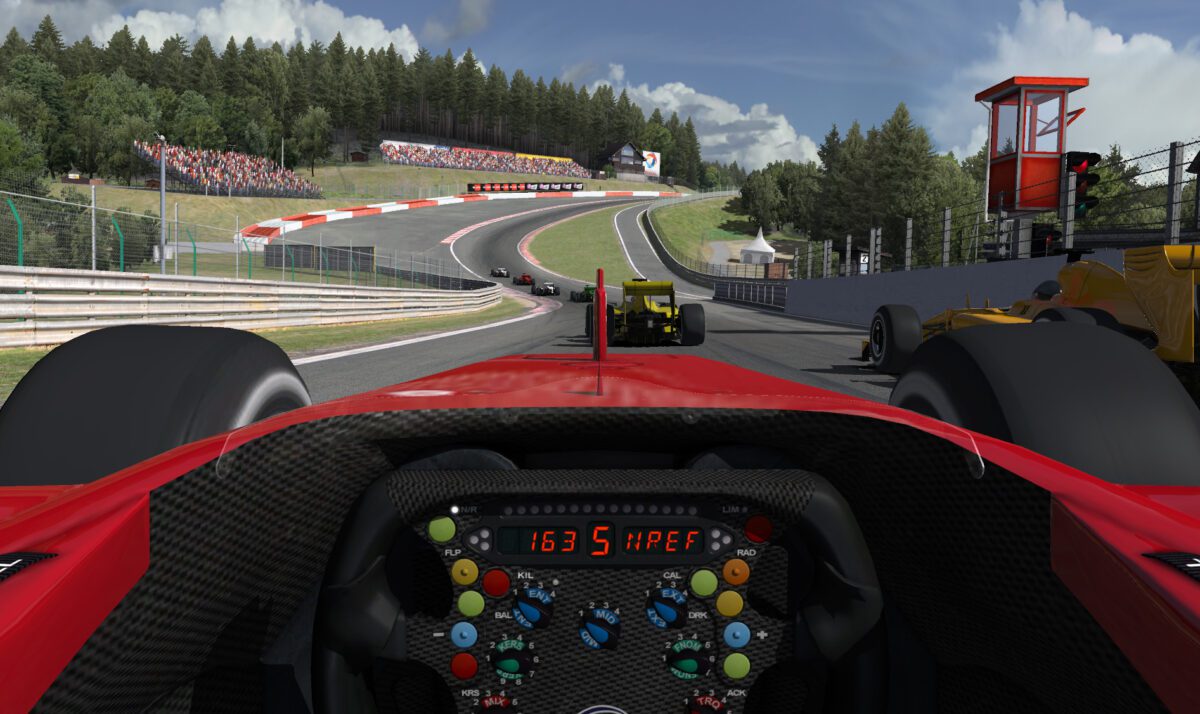
Running Crew Chief and overlay apps on your iRacing PC cuts into VR frame rates. Here is how to offload them to a second PC using iracing-teleport.

GT3 cars in iRacing record tire temperatures, pressures, and wear every lap. Here is how to route that data to a second screen using SimHub and a GT3 DDU layout, so you can read it at a glance during any race.

AZOM is a free SimHub plugin that gives MOZA wheels full SimHub integration: LED control, button mapping, live telemetry, and dashboard channels that Pit House cannot touch. Here’s what it does and how to install it.

A six-unit bass shaker setup gives you separate feedback zones for braking, lateral G-force, and road texture in iRacing. Here is what you need, where to mount each shaker, and how to configure SimHub for a full six-zone rig.

Track Impulse just added 20 free iRacing overlays to its bass shaker app: a radar spotter, fuel calculator, standings, relative, and a live haptics HUD that no other tool offers. No SimHub required.
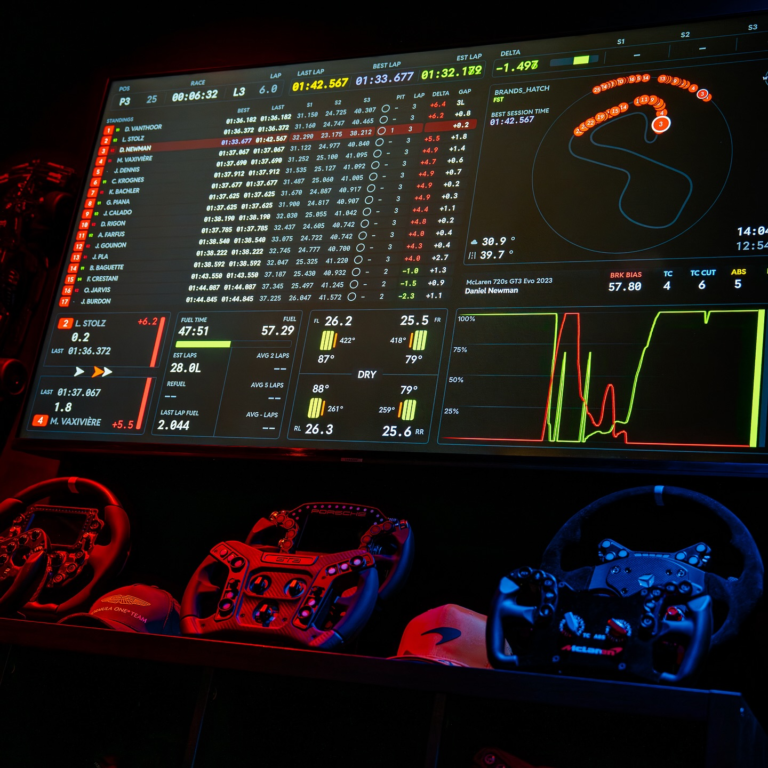
SimHub is the overlay and dashboard platform that most competitive iRacers rely on daily. It connects to iRacing’s telemetry, displays customizable on-screen overlays, and supports external devices like bass shakers and LED displays. Whether you want a simple fuel calculator floating over your sim or a full suite of data readouts, SimHub handles it all…
We use cookies to improve your experience on our site. By using our site, you consent to cookies.
Manage your cookie preferences below:
Essential cookies enable basic functions and are necessary for the proper function of the website.
Statistics cookies collect information anonymously. This information helps us understand how visitors use our website.
Google Analytics is a powerful tool that tracks and analyzes website traffic for informed marketing decisions.
Service URL: policies.google.com (opens in a new window)
You can find more information in our Cookie Policy and Privacy Policy.